How to Run a Classroom Leaderboard That Students Actually Love
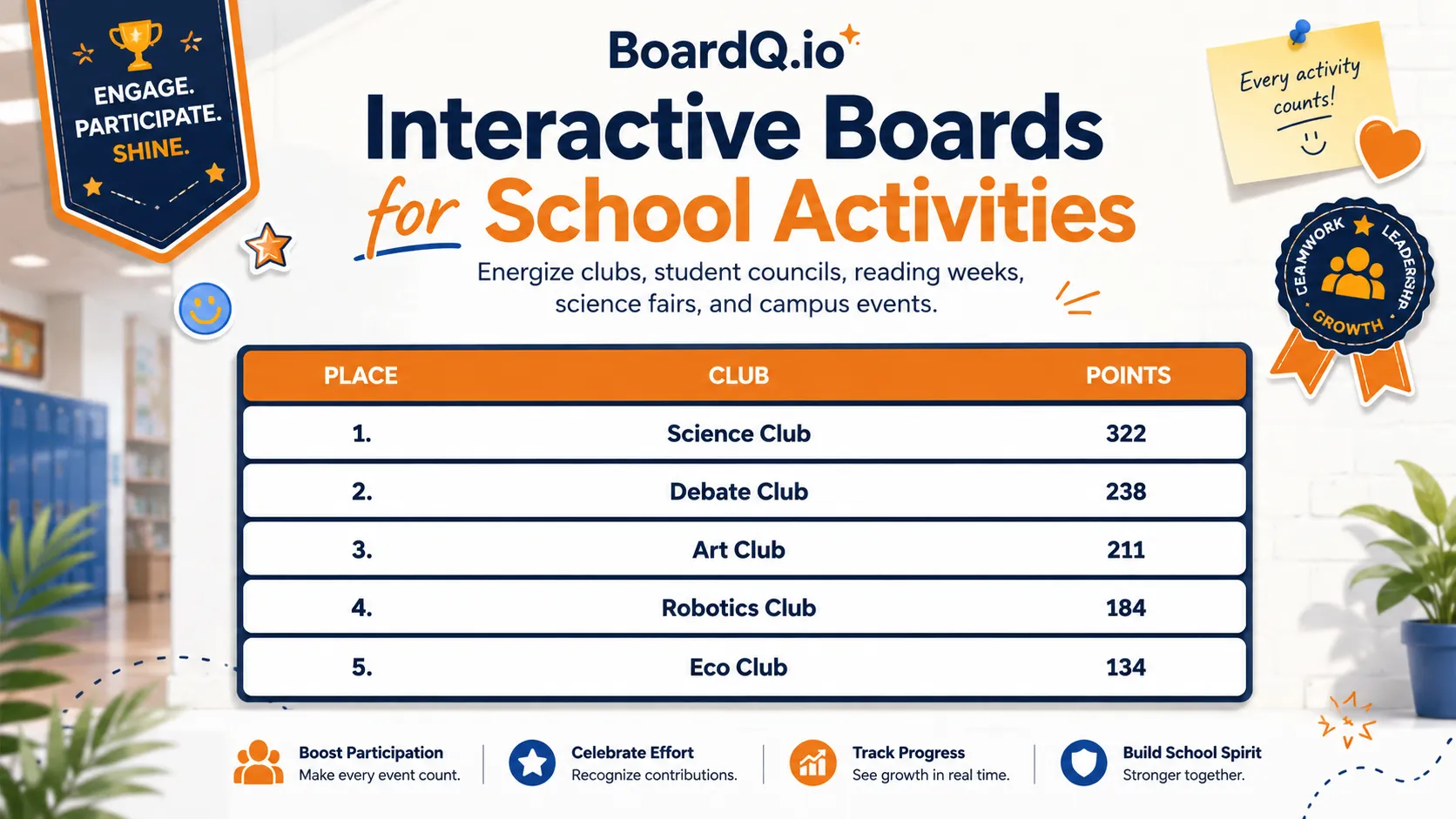
Why classroom leaderboards work
Research consistently shows that gamification increases student engagement. A visible leaderboard taps into students' natural competitiveness while giving quieter achievers public recognition they might not otherwise receive.
But a poorly implemented leaderboard can backfire — embarrassing struggling students or creating anxiety. Here's how to do it right.
Step 1: Pick what you're tracking
The best classroom leaderboards don't just track test scores. Consider tracking:
- Reading minutes or books completed — rewards effort, not just ability
- Homework streaks — consecutive days of turning in work on time
- Participation points — raise your hand, help a classmate, ask a good question
- Quiz scores — weekly low-stakes quizzes keep students reviewing material
- Team/house points — groups compete together, reducing individual pressure
The key: choose a metric where every student has a realistic chance of climbing the board.
Step 2: Set up your leaderboard in BoardQ
- Go to boardq.io and click "Create Leaderboard"
- Name it (e.g. "Mrs. Johnson's Reading Challenge")
- Choose a theme — dark mode looks great on classroom TVs
- Add student names (or team names for group competitions)
- Display the QR code so students can follow along on their devices
The whole setup takes about 30 seconds. No app installs, no student accounts needed.
Step 3: Display it prominently
A leaderboard only works if students see it regularly. Options:
- Classroom TV or projector — open the board in full-screen mode
- Interactive whiteboard — keep it visible during class transitions
- Student devices — share the QR code so they can check standings on Chromebooks or phones
Step 4: Update scores consistently
Update the leaderboard at the same time each day or week. Consistency builds anticipation. You can update from your phone while students watch the big screen refresh in real-time.
Step 5: Keep it fair and positive
- Reset periodically — weekly or monthly resets give everyone a fresh start
- Celebrate improvement — "biggest climber" awards matter more than just first place
- Use teams — group leaderboards reduce the pressure on individual students
- Multiple boards — have separate leaderboards for different subjects or activities
Real example: weekly spelling bee
A 4th grade teacher runs a weekly spelling test every Friday. She enters scores into BoardQ from her phone as students complete the test. The classroom TV shows the leaderboard updating live. At the end of the month, the top 3 get to choose from a prize box.
Result: spelling test participation went from 70% to 98%, and average scores improved by 15%.
Get started
Create your first classroom leaderboard in under a minute — it's completely free. Try BoardQ now →