Hackathon finals
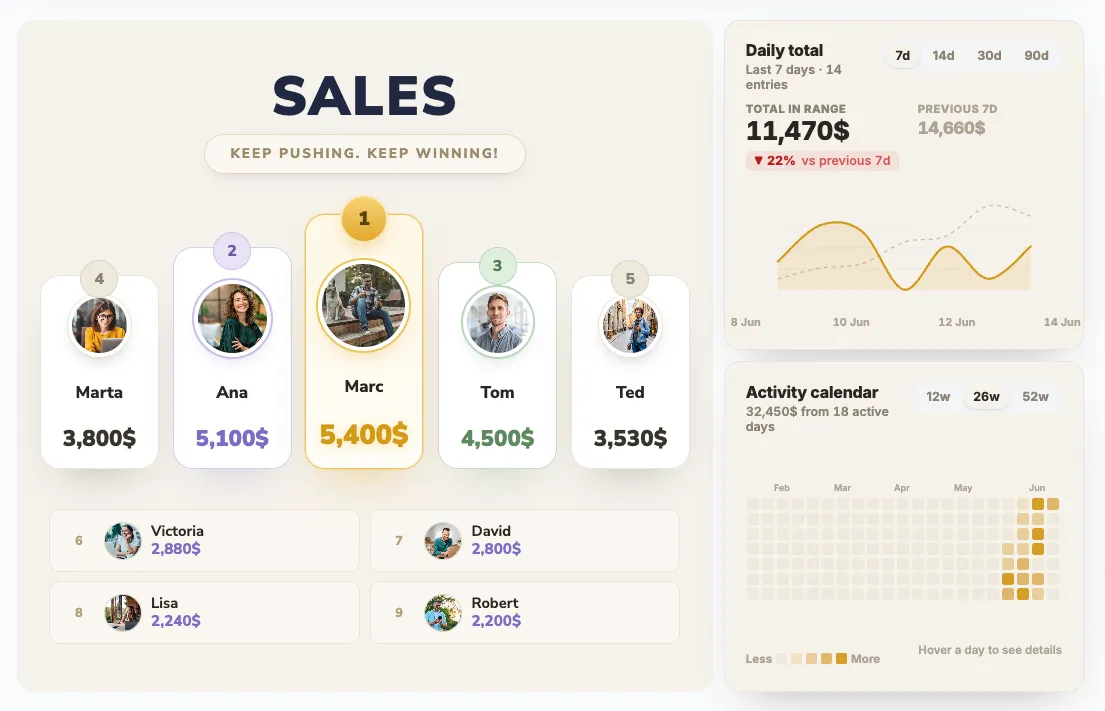
PodiumThe top three stand on the podium with their photos, everyone else is ranked underneath. Judges' scores add up live as they come in.
Create one like this →We use cookies (and other similar technologies) for many purposes, including to improve your experience on our site and for ads and analytics.
Event leaderboards
Hackathons, conferences, charity runs, company offsites. Set the board up in minutes, put it on the venue screen, and let attendees follow along from their phones. Scores update the moment they are entered.
 Scan to follow on your phoneboardq.io/ab12cd34
TV display mode. What the room sees on the projector.
 PRA Business Events
 Vizrepo
 EPAM
EPAM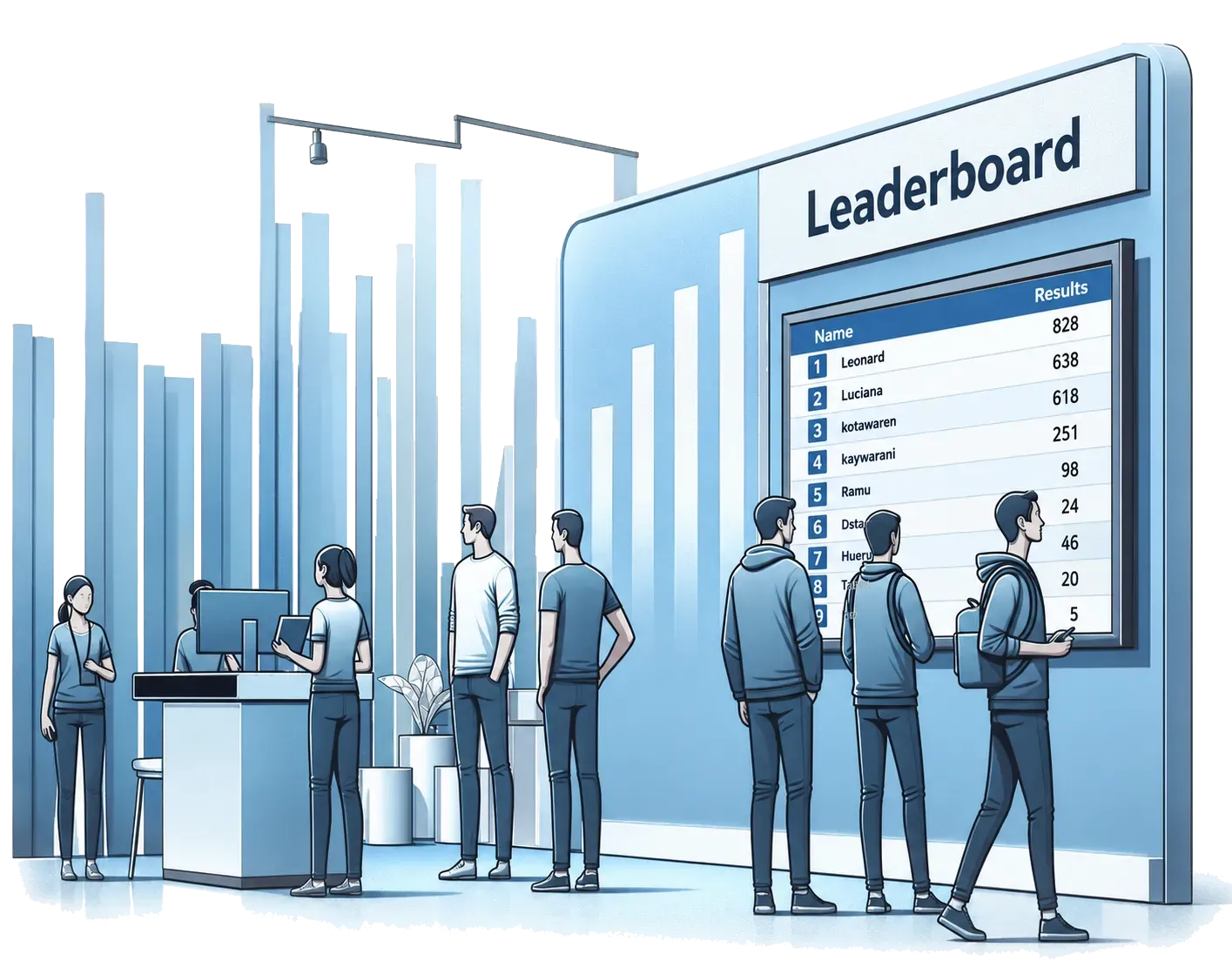
On event day
A leaderboard works because people keep glancing back at it. BoardQ runs in any browser, so the same board goes on the stage projector, the TV by the bar, and every attendee's phone at once.
Examples
Nine board designs, all built for a big screen. Six of them, paired with the event they suit best.
The top three stand on the podium with their photos, everyone else is ranked underneath. Judges' scores add up live as they come in.
Create one like this →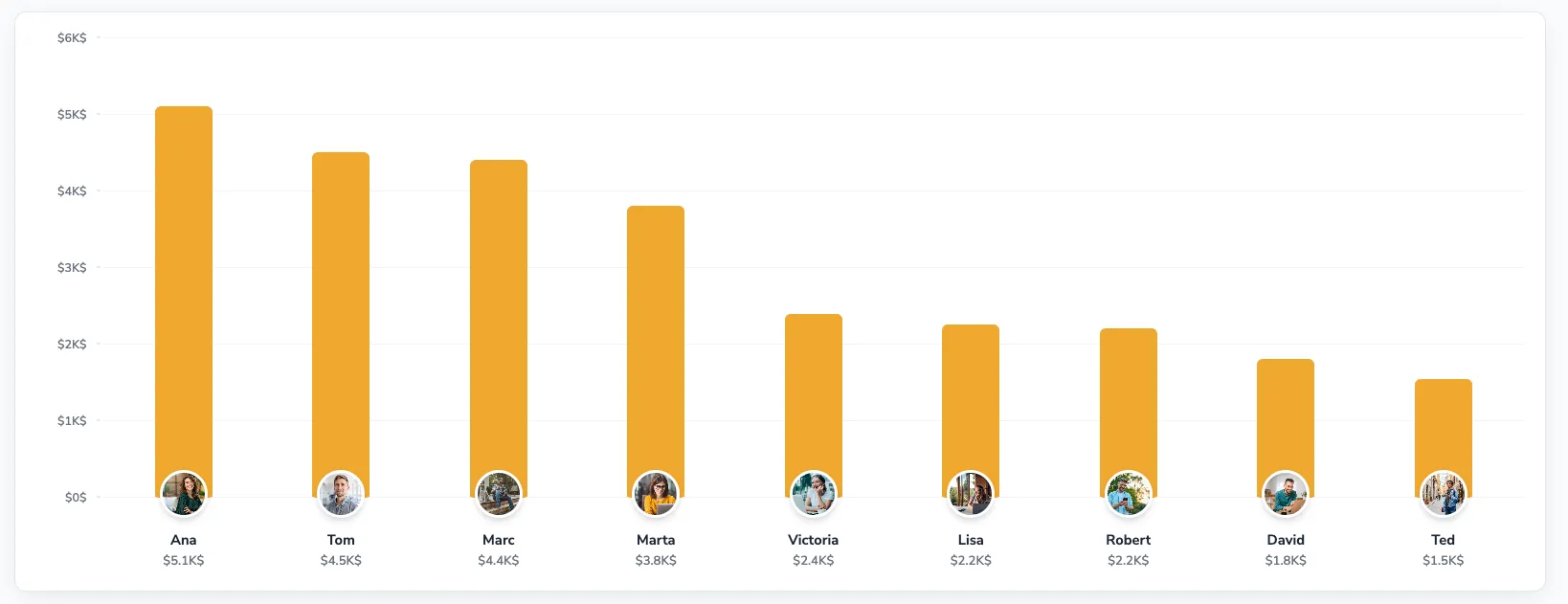
Votes from the QR poll shown as bars with the speaker's photo under each one. Easy to read from the back of the hall.
Create one like this →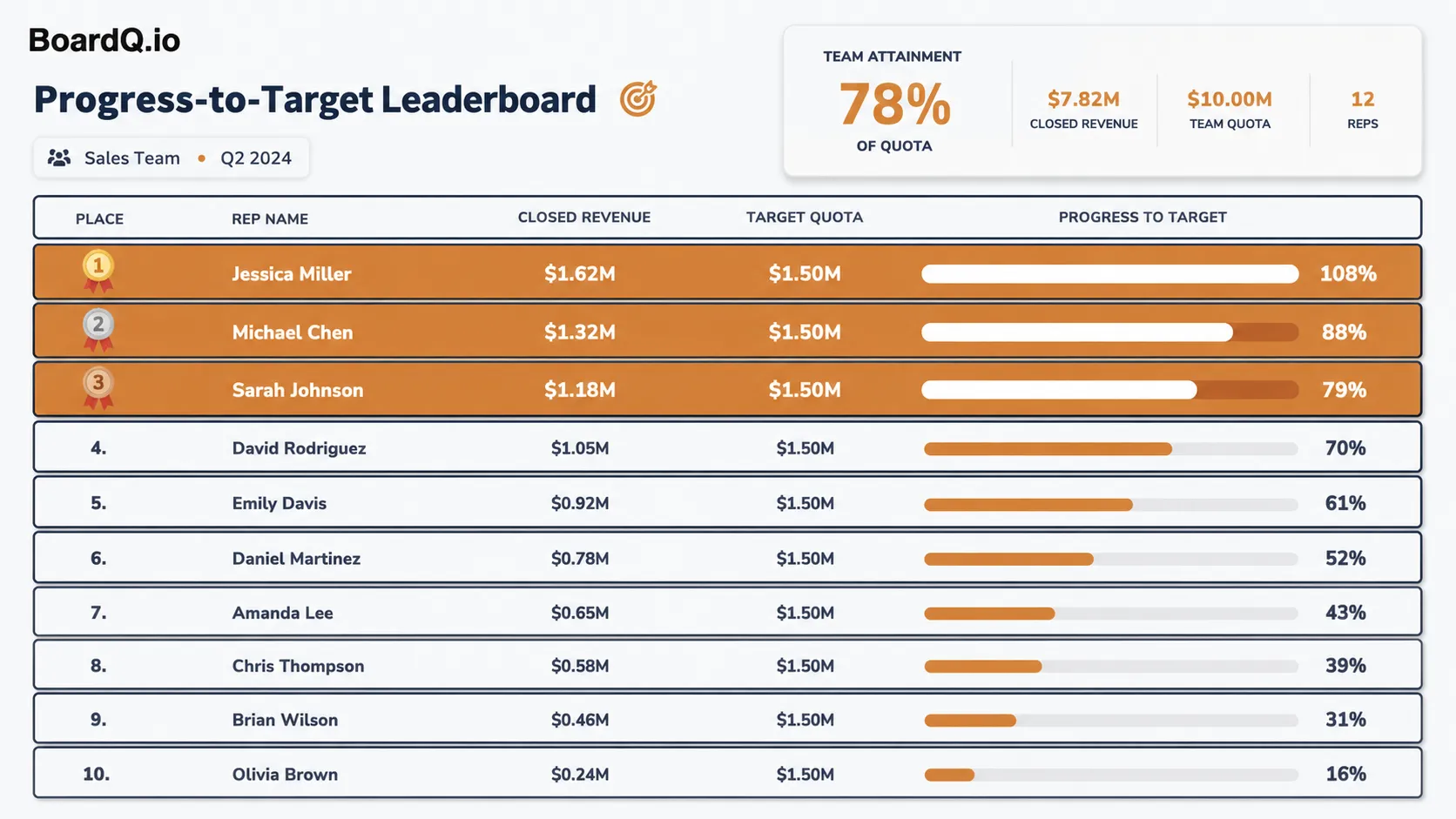
Each team's total against its fundraising goal, with a currency prefix and a bar to the target. Totals arrive through the API or a volunteer.
Create one like this →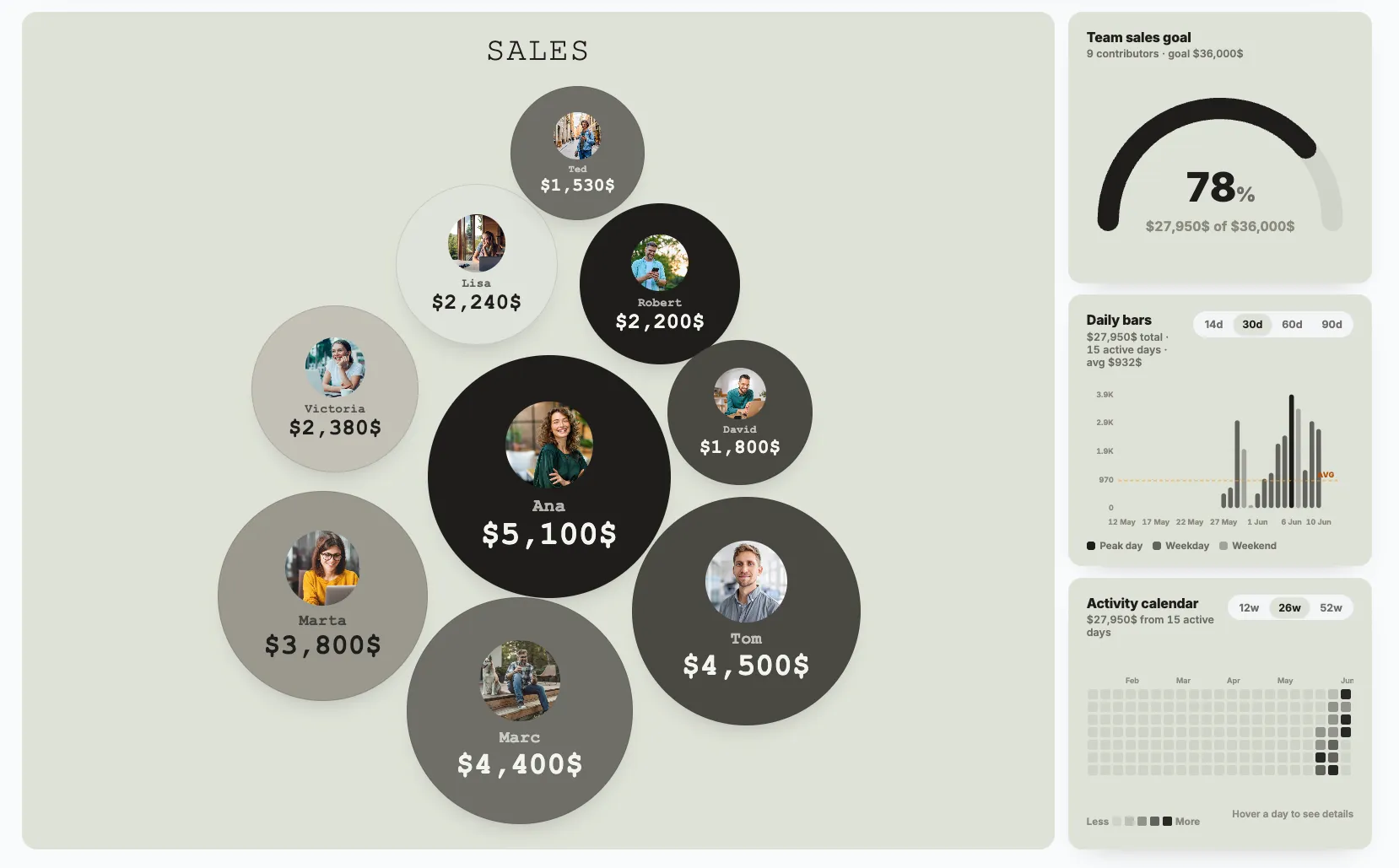
Bubble size follows the score, so the leader is obvious from across the floor. Booth check-ins push points in as badges are scanned.
Create one like this →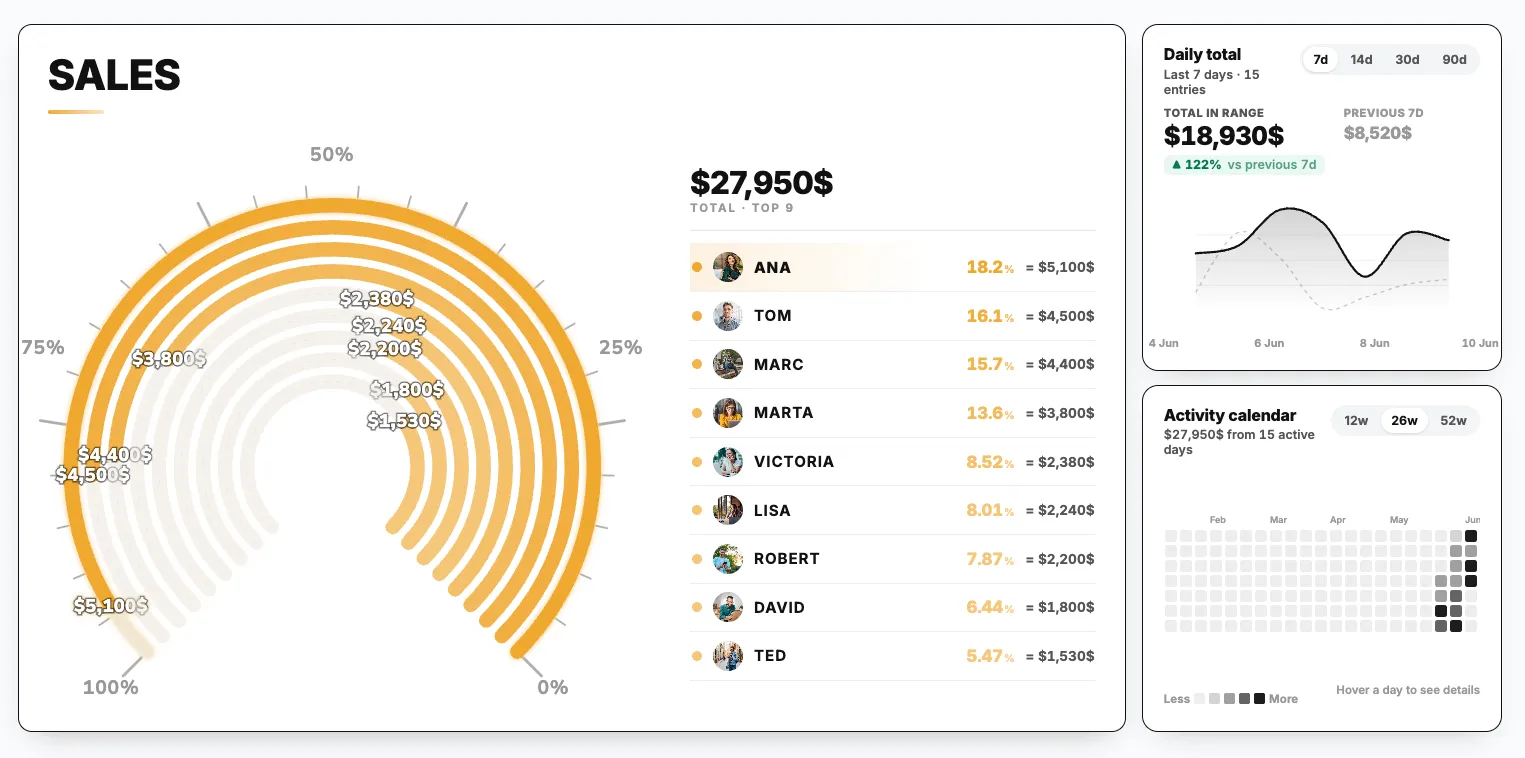
Concentric progress arcs per team next to the ranked list, with a running total. One volunteer per station updates from a phone.
Create one like this →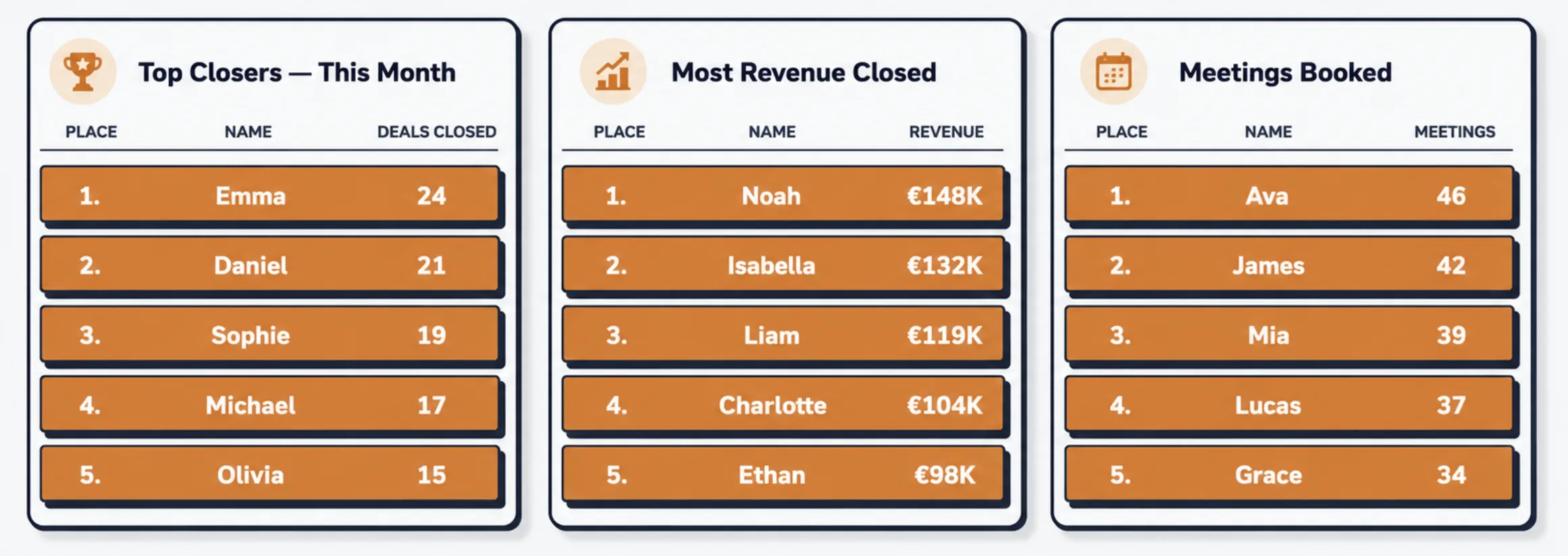
Run one board per category and show them side by side on the venue screen, or rotate them between announcements.
Create one like this →Designs shown with sample data. Every design works with points, time, currency or a custom unit.
How it runs
Create the board and name it after the event. Add teams or participants, up to 200 at once. Pick a design, add your logo, and print the QR code for the slides.
Enter scores from any phone with the edit link, or push them in from your judging form or scanner. The screen updates instantly with no refresh.
The results page stays online at the same link. Export to CSV, Excel or PNG for the recap, the sponsor report, or next year's comparison.
Getting scores in
Share the edit link with volunteers or judges. Each entry updates the board for everyone watching.
One request creates a board, another adds a score. Works with Zapier, Make, or the event app you already have.
Point BoardQ at a sheet and map the name and score columns. The board follows the sheet.
curl -X POST https://bq-server.onrender.com/api/boards \
  -H "apikey: $BOARDQ_API_KEY" \
  -d '{
    "name": "Hackathon finals",
    "results": [
      { "name": "Nightshift", "points": 94 },
      { "name": "Parcel",     "points": 91 }
    ]
  }'
# → { "board": { "url": "boardq.io/ab12cd34" } }
From organisers
We've used BoardQ for two years running at our client's company event to display team results. The visual leaderboard brings real excitement and gets everyone involved. The team also helped us customise the logo and background - the visuals were perfect!
 Alysa from PRA Business EventsEvent organiser
We ran the live leaderboard at our tech summit hackathon in San Francisco - teams loved watching the standings update in real time, and it made the whole event more exciting.
 John from VizrepoHackathon organiser
We used a BoardQ leaderboard during a tech event to display which developer solved the coding challenge fastest. The leaderboard drew a lot of attention from event visitors - it really helped us!
 Robert from EPAMTech event host
What you get
2 boards, every design, real-time updates, QR code, embed, CSV and Excel export.
20 boards, your logo and branding, photo uploads, API access, PNG export.
200 boards, Google Sheets sync, custom CSS and background image, collaborators, priority support.
FAQ
Yes. The free plan gives you two boards with real-time updates, every design, a QR code and website embed. Boards do not expire. Upgrade if you want your logo on the board, more than two boards at once, or API access.
Open the board link in a browser on the laptop connected to the projector and switch to TV display mode. It refreshes itself over WebSocket, so nobody needs to touch it during the event.
Yes. Every board has a QR code you can put on a slide or a poster. Attendees scan it and see the same live board in their mobile browser. No app and no account needed.
Yes. Anyone with the edit link can update scores from a phone, and every change shows up for everyone. For judging with many inputs, push scores through the API or connect a Google Sheet.
Yes. The free plan covers two boards and Premium covers twenty. Run one per track, room or category and switch between them on the screen.
Yes. Time-based boards sort fastest first for races, currency prefixes handle fundraising totals, custom units cover anything else, and goal bars show progress toward a target.
The board stays online at the same link, so you can share it in the recap. Export standings to CSV or Excel on any plan, or as a PNG image on Premium.
Free to start. Ready in a few minutes. No credit card.