How to Host a Virtual Quiz Night (Zoom, Teams, or Discord)
Everything you need to host a virtual quiz night: platform setup, scoring, live leaderboards, and tips from experienced remote quiz hosts.
Virtual quiz nights are here to stay
What started during lockdowns has become a staple for remote teams, distributed friend groups, and online communities. A well-run virtual quiz is just as fun as an in-person one - if you get the format right.
Choose your platform
- Zoom - Most common. Use screen sharing for questions and leaderboards. Breakout rooms for team discussions.
- Microsoft Teams - Great for corporate quiz nights. Integration with work tools.
- Discord - Best for gaming communities. Voice channels for teams, screen share for the host.
Set up your live leaderboard
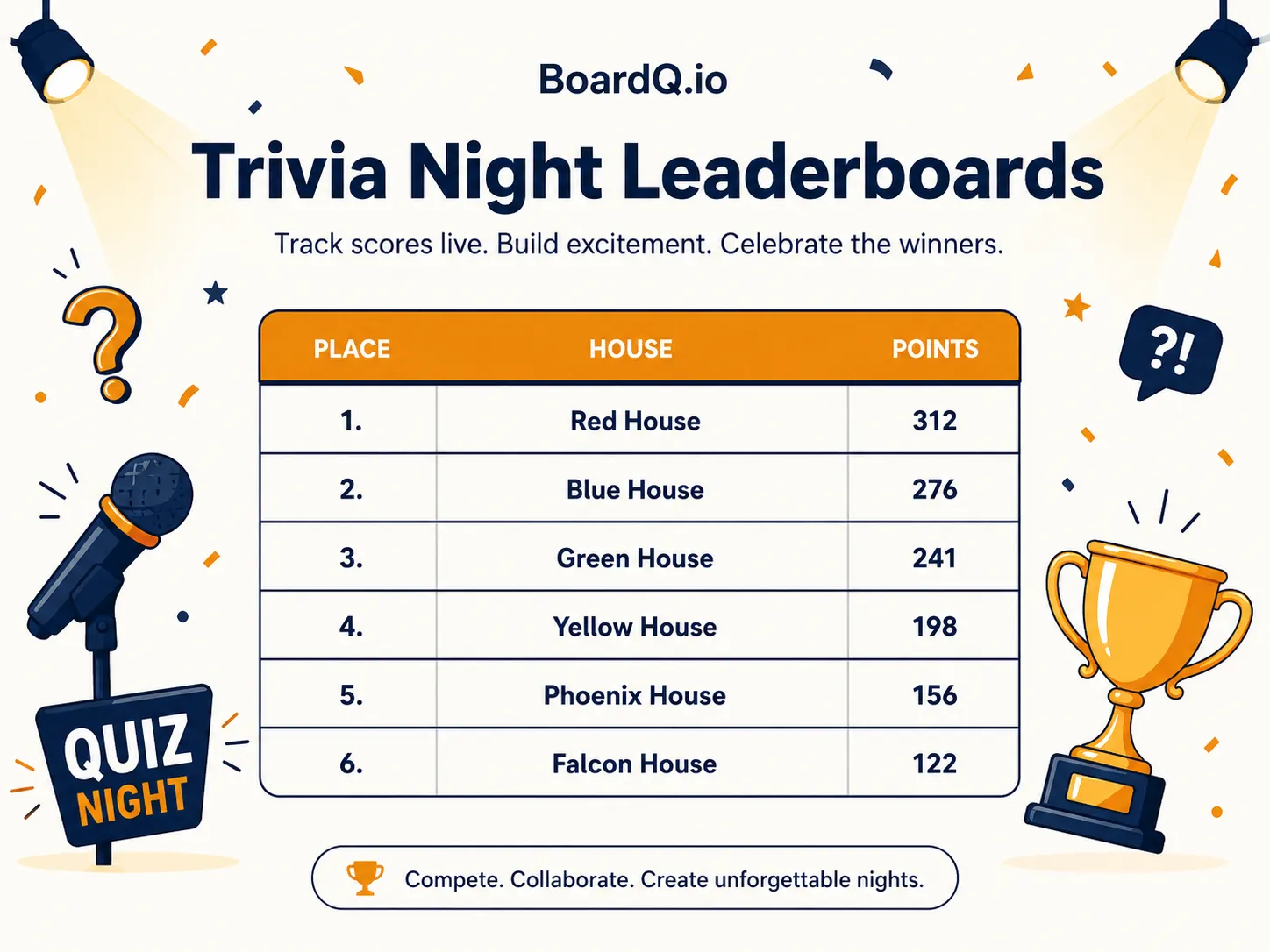
Create a free leaderboard on BoardQ. Share the board link in chat so all participants can follow the scores on their own screen. You update scores from your device - everyone sees the changes in real-time.
This works better than screen-sharing a spreadsheet because participants can view the leaderboard independently, even when you're showing questions on screen share.
Format that works for remote
- Keep rounds shorter - 6-8 questions per round instead of 10. Attention spans are shorter online.
- Mix question types - General knowledge, picture rounds (share your screen), music clips (play through your mic), estimation questions.
- Use the chat for answers - Teams DM their answers to the host. Or use a Google Form per round for easier collection.
- Show the leaderboard between rounds - Share the BoardQ link or screen-share the live board. This is the highlight of every round break.
Tips from experienced hosts
- Test your audio before the quiz starts - music rounds fail if participants can't hear clearly
- Have a co-host to manage scores while you read questions
- Cap at 8-10 teams - more than that gets chaotic online
- Keep it under 90 minutes - after that, people start dropping off
- End with a bang - a final "all-in" round where the leading team can still lose
Get started
Create your quiz leaderboard on BoardQ, send the link to everyone, and start hosting. Free, no setup, works on every device. Try it now →
Run your quiz on a live leaderboard
Show live scores and results on the big screen for pub quizzes, trivia nights and team games. Free to start.
Create a quiz leaderboard →