How to Run a Points-Based Competition at a Conference
A points-based competition turns passive conference attendees into active participants. Here's how to design and run one.

Why points work at conferences
Conferences are easy to attend passively - sit, listen, leave. A points-based competition gives attendees a reason to engage with sessions, sponsors, and each other. It increases booth traffic, session attendance, and networking, all while making the event more fun.
Decide what earns points
Choose actions that align with your event goals:
- Attending sessions - especially smaller or early-slot talks
- Visiting sponsor booths - sponsors love measurable engagement
- Networking - points for meeting a set number of new people
- Asking questions - rewards active participation in Q&A
- Social posts - using the event hashtag
Keep scoring frictionless
The competition must not slow the agenda. Use QR codes at sessions and booths that attendees scan to log points, or let staff award points from a phone. For bigger events, push points automatically through the BoardQ API from your event app or check-in system.
Display a live leaderboard
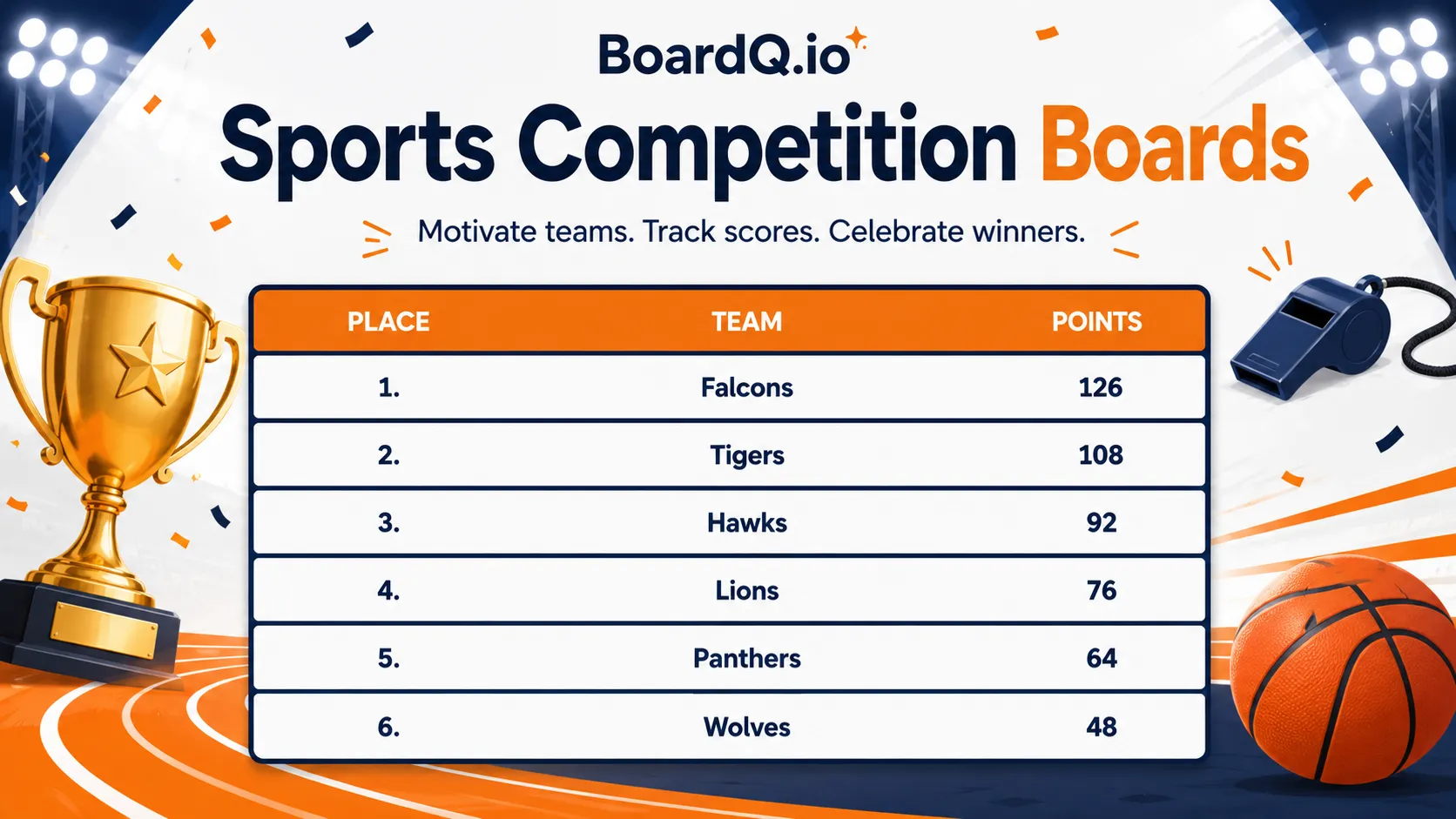
Put a live leaderboard on screens in the main hall and near registration. Seeing their name climb keeps attendees coming back to earn more points. Share a QR code so they can check standings on their phones too.
Reward the winners
Announce prizes upfront and reveal winners during the closing keynote. Good prizes: free tickets to next year, exclusive dinners, premium swag, or a charity donation in the winner's name.
Sample point structure
- Attend a session - 10 pts
- Visit a sponsor booth - 15 pts
- Meet 5 new people - 25 pts
- Ask a question in a session - 20 pts
- Social post with hashtag - 10 pts
Get started
Set up your conference leaderboard for free and turn attendees into players. Create one now →
Power your event with a live leaderboard
Big-screen, real-time rankings for conferences, hackathons and competitions. QR-shareable and API-driven. Free to start.
Create an event leaderboard →