How to Set Up a Live Points Table for Team Games
Running team games? A live points table keeps everyone hooked. Here's how to set one up that updates in real time.
Why a live points table beats a clipboard
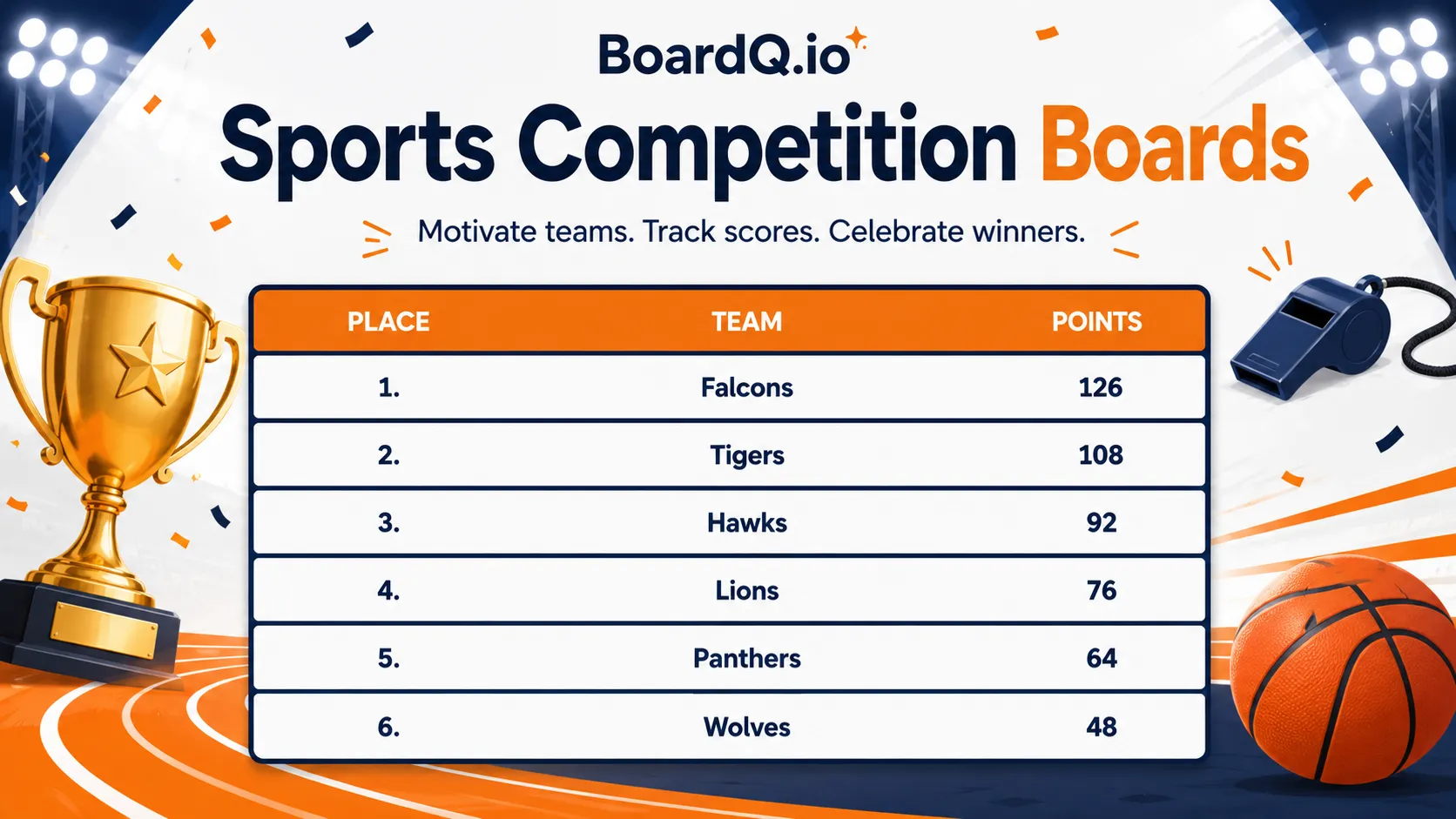
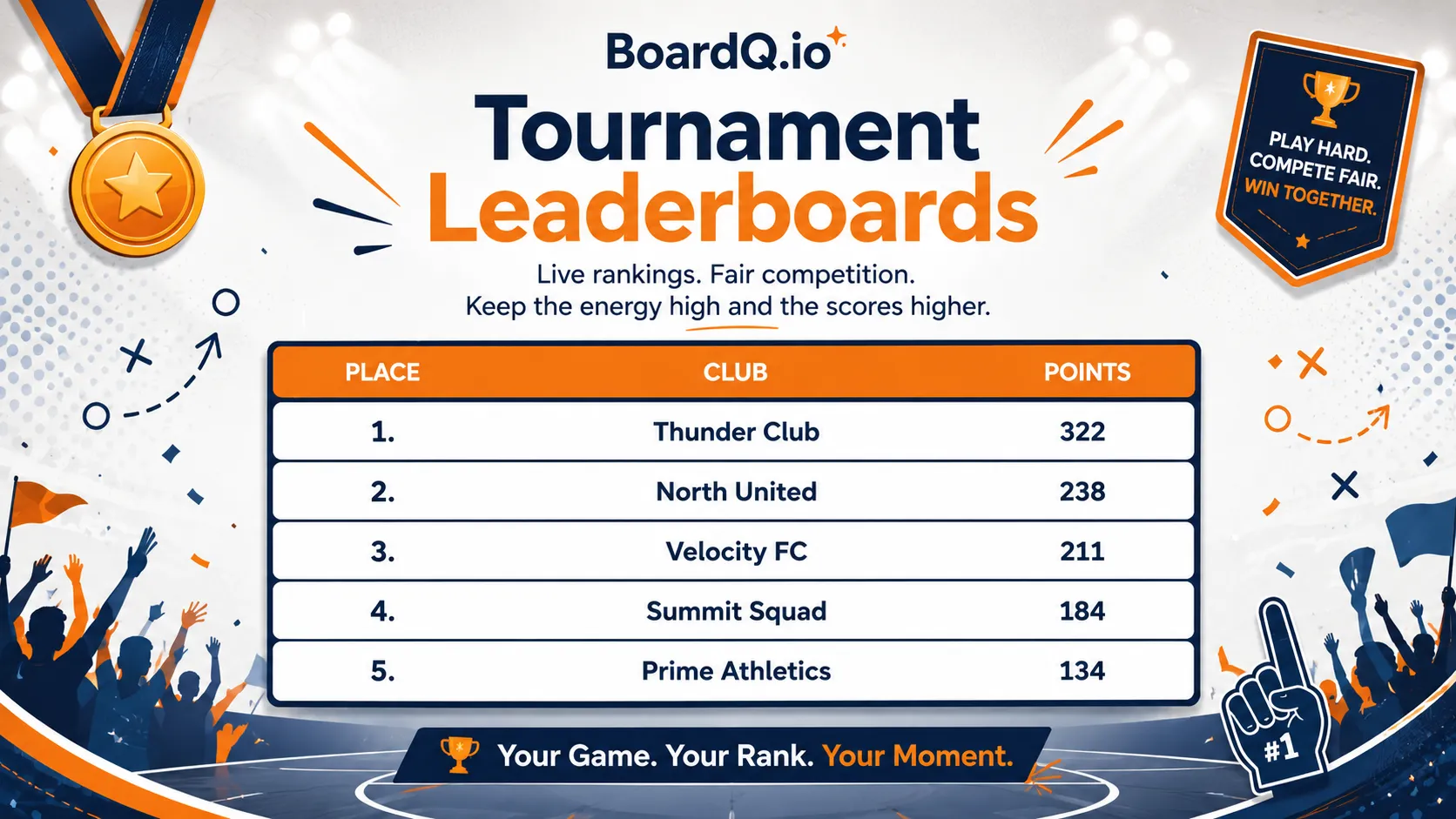
Whether you're running family game night, an office games afternoon, a sports day, or a party tournament, the scoring is what keeps everyone invested. A handwritten points table on a flipchart is slow, easy to dispute, and impossible to read from across the room. A live points table updates instantly, shows on any screen, and lets players follow along on their phones.
What kinds of team games does it suit?
- Party and board games - multiple rounds where points stack up
- Sports days and tournaments - track team totals across events
- Office team-building games - keep departments competing
- Camp and youth group games - colour teams, cabins, or squads
- Quiz and trivia nights - round-by-round running totals
Set up your live points table
- Open BoardQ and create a new board
- Add each team's name
- Choose a theme - dark mode looks great on a TV or projector
- Display the QR code so players can follow the table on their own phones
That's it. As games finish, you add points from your phone and the table re-sorts itself live - no maths, no arguments, no rewriting.
Tips for running it smoothly
- Update between rounds, not mid-round - it builds suspense and keeps the flow
- Show the table on the big screen after each game so teams can react
- Add a bonus or double-points round near the end so trailing teams stay in it
- Agree a tiebreaker rule up front to avoid disputes
Keep everyone engaged
The moment teams live for is the standings reveal. Make a ritual of it - "let's check the table!" - and let the live re-sort do the drama. When the bottom team leaps to second after a strong round, that's the energy a clipboard can never create.
Get started
Set up a live points table for your next team games in under a minute - free, no installs, works on any screen. Create your points table now →
Power your event with a live leaderboard
Big-screen, real-time rankings for conferences, hackathons and competitions. QR-shareable and API-driven. Free to start.
Create an event leaderboard →