How to Connect Your App to a Live Scoreboard
A practical guide to wiring your app or data source into a live scoreboard so scores update automatically in real time.
Why connect your app to a scoreboard
Manually typing scores doesn't scale. If your data already lives in an app, database, CRM, or game, connecting it directly to a live scoreboard means rankings update automatically - no copy-paste, no stale numbers, no human in the loop.
Step 1: Create the scoreboard
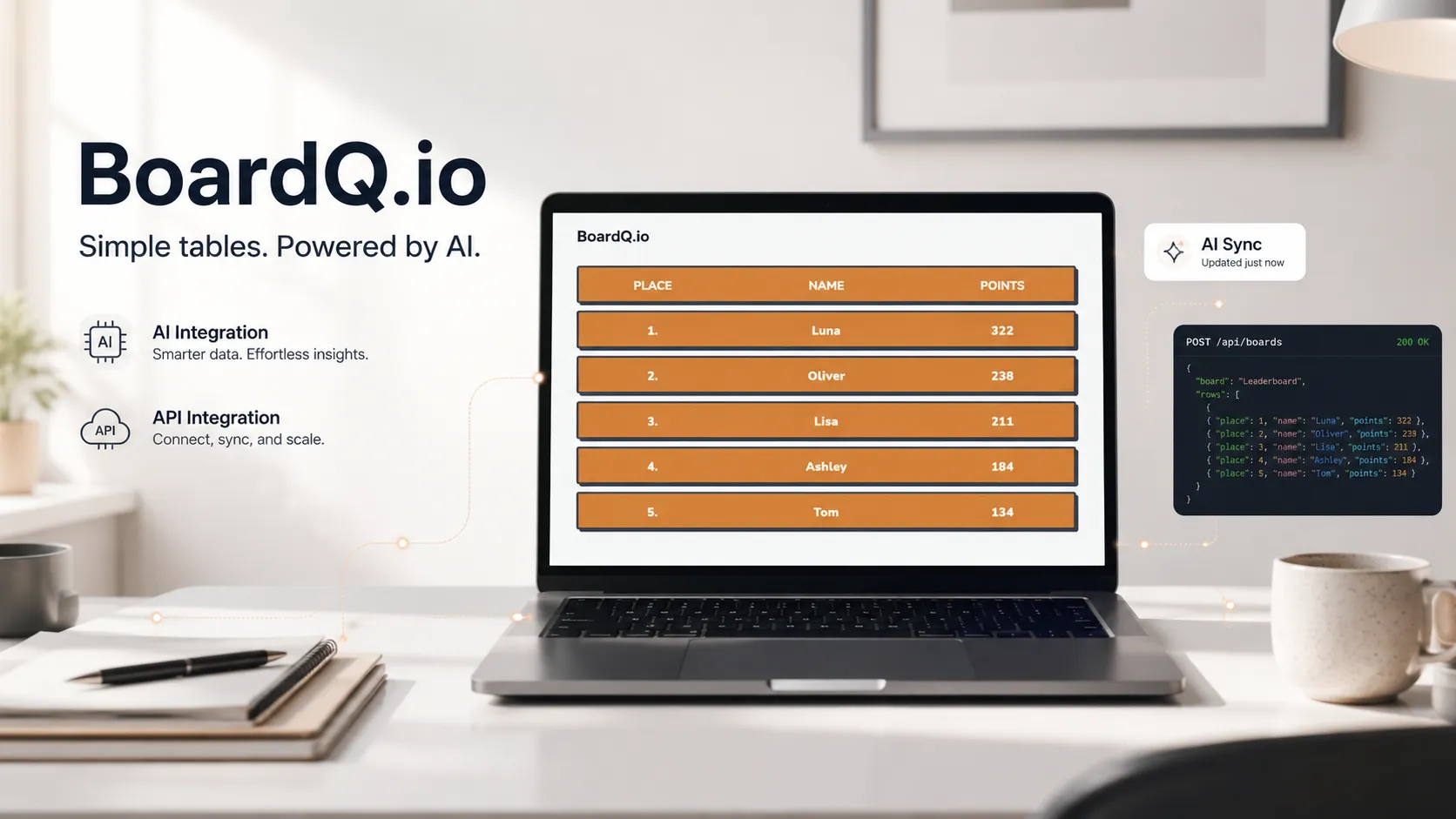
Set up a board on BoardQ and note its ID and API key. The board handles ranking, real-time updates, and the display.
Step 2: Decide what triggers an update
- On an event - a deal closes, a game ends, a task completes → fire an update immediately
- On a schedule - a cron job that reads your database every few minutes
- Via webhook - your CRM or app calls out whenever data changes
Step 3: Send the score
From your backend, make an authenticated API call with the participant and their new value whenever the trigger fires. That's the whole integration - a few lines of code in the place your data already changes.
Step 3 (alt): Sync from a spreadsheet
If your source of truth is a Google Sheet, a small Apps Script can read rows and push them to the board on a timer. See turning a Google Sheet into a live leaderboard.
Step 4: Display it anywhere
Open the board on a TV, embed it in your app, or drop the link in Slack. Every connected viewer sees updates the moment your app sends them. For embedding, see how to display real-time scores on a website.
Get started
Connect your app to a live scoreboard today. Explore the integrations →
Wire your data into a live leaderboard
Push scores from any tool over a REST API or webhook and display real-time rankings on any screen. Free to start.
Explore integrations →