How to Create a Live Quiz Leaderboard
Everything you need to build a live quiz leaderboard - round scoring, real-time updates, and a big-screen reveal.
Why a live leaderboard makes the quiz
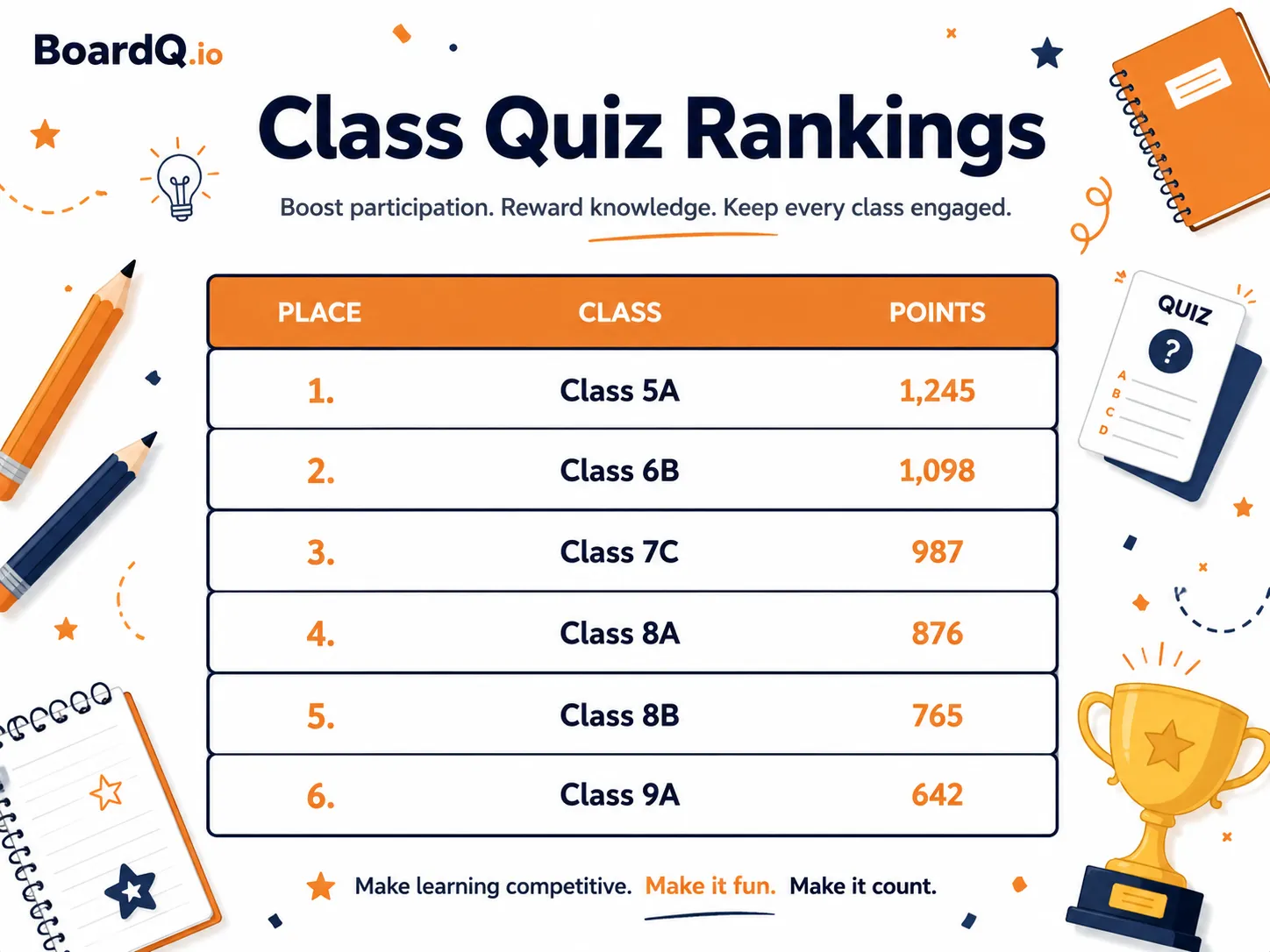
The standings reveal is the best part of any quiz. A live leaderboard on the screen turns each round break into a moment of suspense - teams react, strategize, and stay locked in. It also looks far more professional than scribbling scores on a whiteboard.
Step 1: Add your teams
Create a free board on BoardQ and add each team's name. Pick a high-contrast theme that reads from the back of the room.
Step 2: Score by round
Don't update after every question - it kills the pace. Tally each round (8-10 questions) and update the board between rounds. This creates natural suspense and gives you time to set up the next round.
Step 3: Display on the big screen and share a QR
Full-screen the board on the venue TV or projector. Share the QR code so teams can follow the standings on their phones too - handy in bigger rooms. For setup help, see how to display live scores on a big screen.
Step 4: Build suspense between rounds
Switch to the leaderboard after each round and let teams react. A "double points" round late on keeps trailing teams alive and stops the leaders coasting.
Step 5: Plan a tiebreaker
Announce your tiebreaker before you start - a sudden-death question or a closest-guess estimate. It avoids arguments at the finish.
Get started
Set up a live quiz leaderboard in 30 seconds and run your best quiz night yet. Create one now →
Run your quiz on a live leaderboard
Show live scores and results on the big screen for pub quizzes, trivia nights and team games. Free to start.
Create a quiz leaderboard →