The Complete Guide to Live Event Scoring (For Any Event Type)
A universal guide to setting up live scoring for any type of event - from casual trivia to professional tournaments.
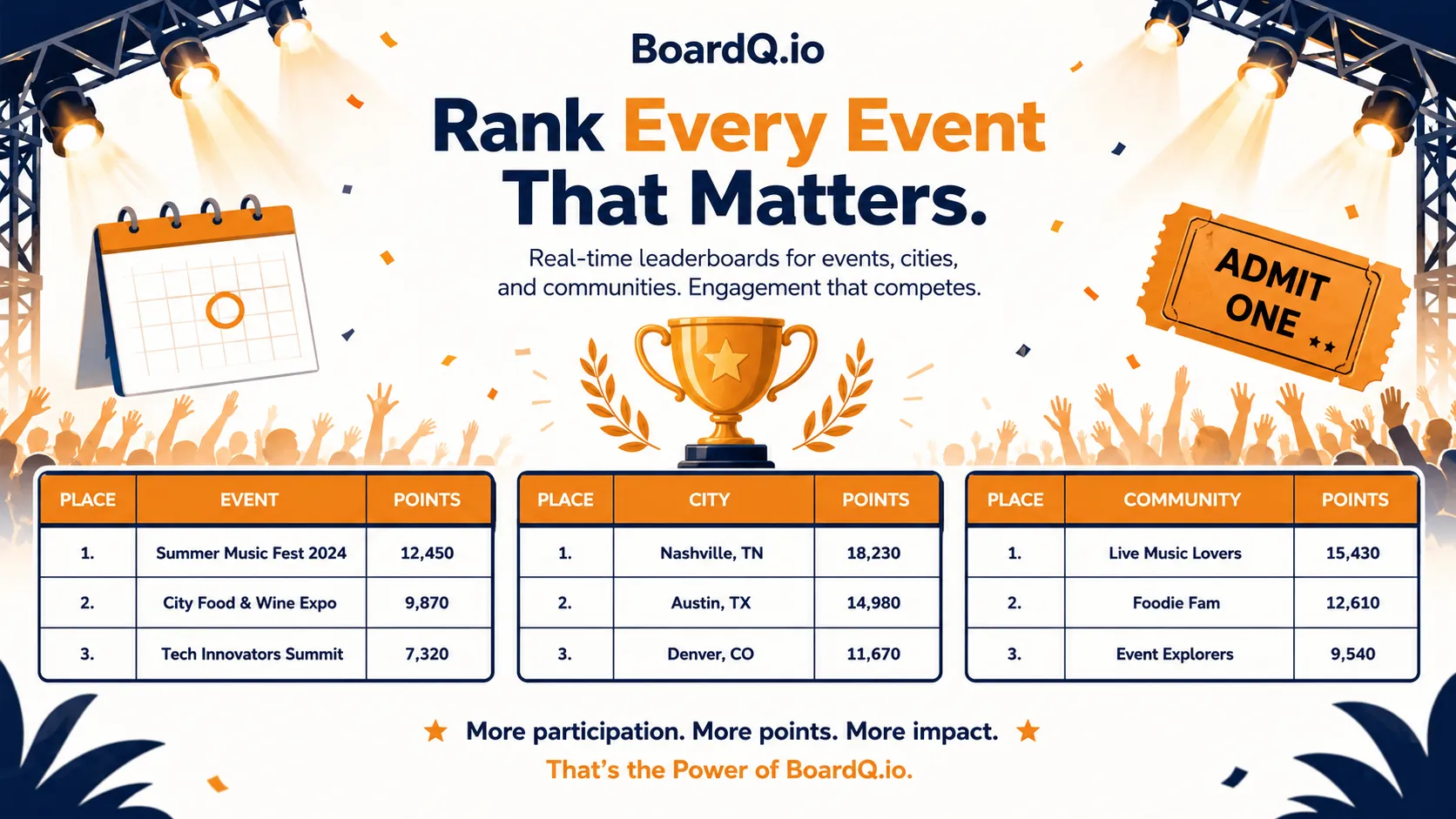
Every event is better with live scoring
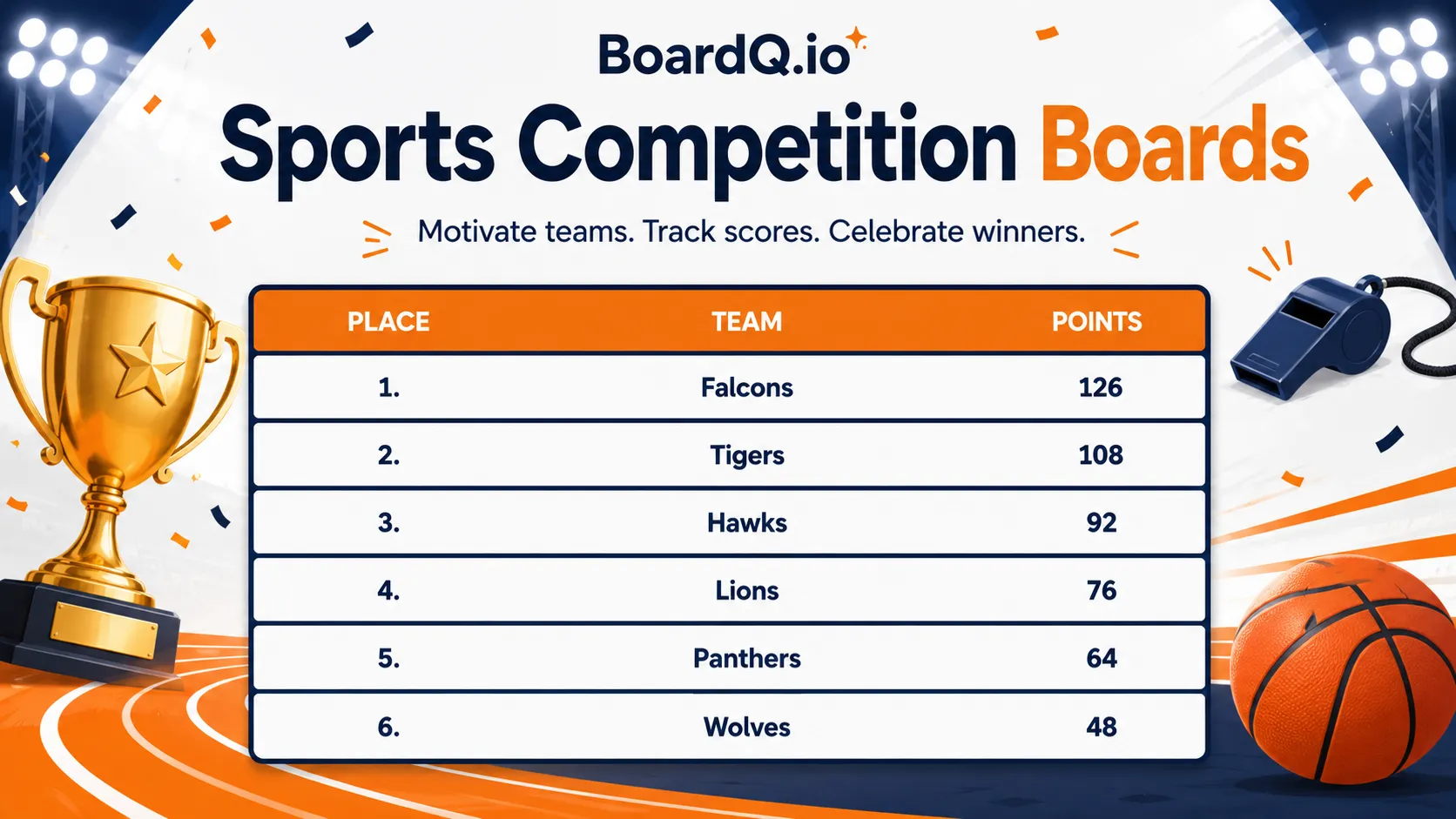
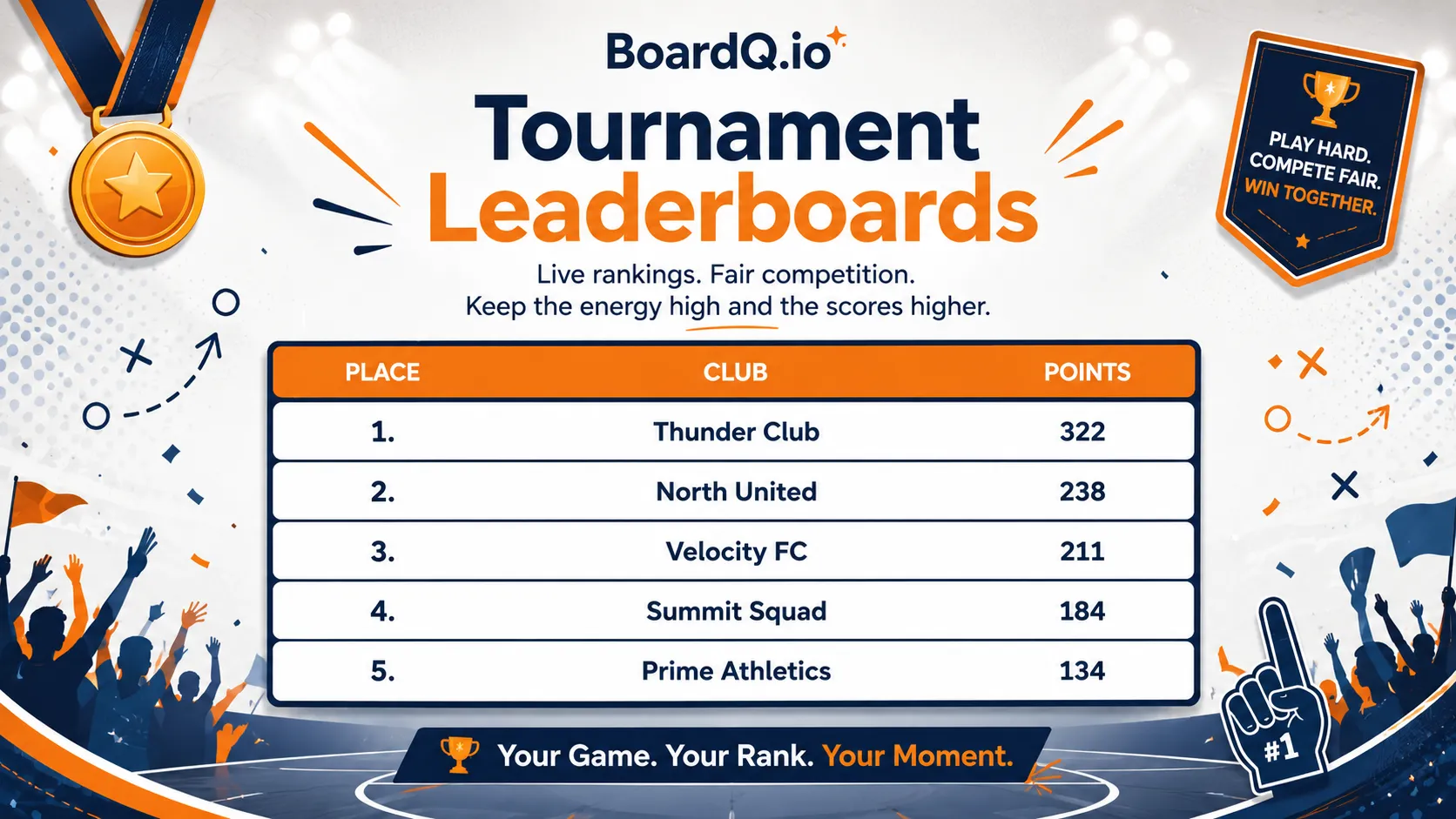
Whether you're running a charity 5K, a corporate talent show, or a local gaming tournament - live scoring transforms spectators into engaged participants. People check the scoreboard constantly. They cheer for upsets. They share the link with friends who couldn't make it.
Choose your scoring model
Different events need different approaches:
- Cumulative points - Quiz nights, multi-round competitions (scores add up across rounds)
- Time-based - Races, speed challenges (lowest time wins)
- Judge scoring - Talent shows, hackathons (judges submit scores that get averaged)
- Win/loss record - Tournaments, leagues (track W-L-D and calculate standings)
Set up your scoreboard
- Create a free leaderboard on BoardQ
- Add participant or team names
- Choose your scoring type (points or time)
- Select a theme that fits your event vibe
Setup takes under a minute. No account needed for viewers.
Display options
- Big screen / projector - Full-screen mode, auto-refreshes
- TV on the wall - Perfect for bars, office lobbies, gym walls
- QR code poster - Print and place at the entrance for mobile viewing
- Event website embed - Iframe embed for live scores on your site
- Stream overlay - OBS/Streamlabs integration for live-streamed events
Update strategies
- Manual (phone) - You or a volunteer updates scores from a phone. Best for small events.
- API integration - Connect your scoring system to BoardQ's REST API for automatic updates. Best for recurring or large events.
- Multiple admins - Share access so judges or volunteers can each update scores.
Tips for maximum engagement
- Announce scoreboard updates - "Let's check the standings!" builds anticipation
- Share the link on social media - Let people follow remotely
- Take photos of the big screen - The leaderboard on a projector makes great event content
- Reset between events - If you run recurring events, create a new board each time to keep history clean
Get started
Your next event deserves a proper scoreboard. Free, live, works on any screen. Create your event leaderboard →
Power your event with a live leaderboard
Big-screen, real-time rankings for conferences, hackathons and competitions. QR-shareable and API-driven. Free to start.
Create an event leaderboard →Free plan · No credit card · Live in minutes