5 Ways to Gamify Your Classroom (Without Expensive Software)
Practical gamification strategies for teachers that don't require expensive apps or complex setup.
Gamification doesn't need a budget
You don't need Classcraft, ClassDojo Pro, or expensive edtech subscriptions to gamify your classroom. The core mechanics of gamification - points, progress tracking, and public recognition - can be implemented with free tools you already have access to.
1. Live leaderboards for weekly challenges
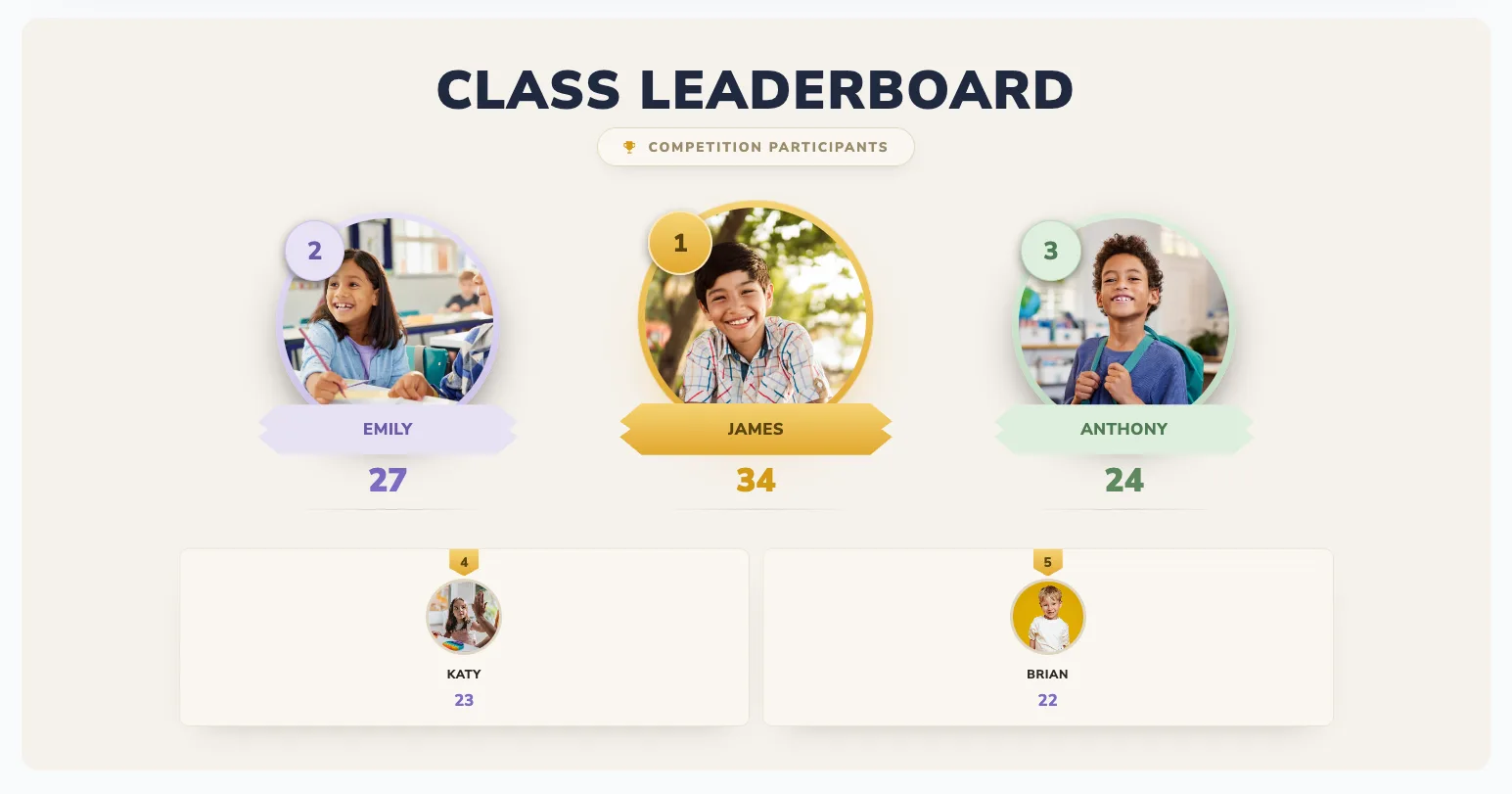
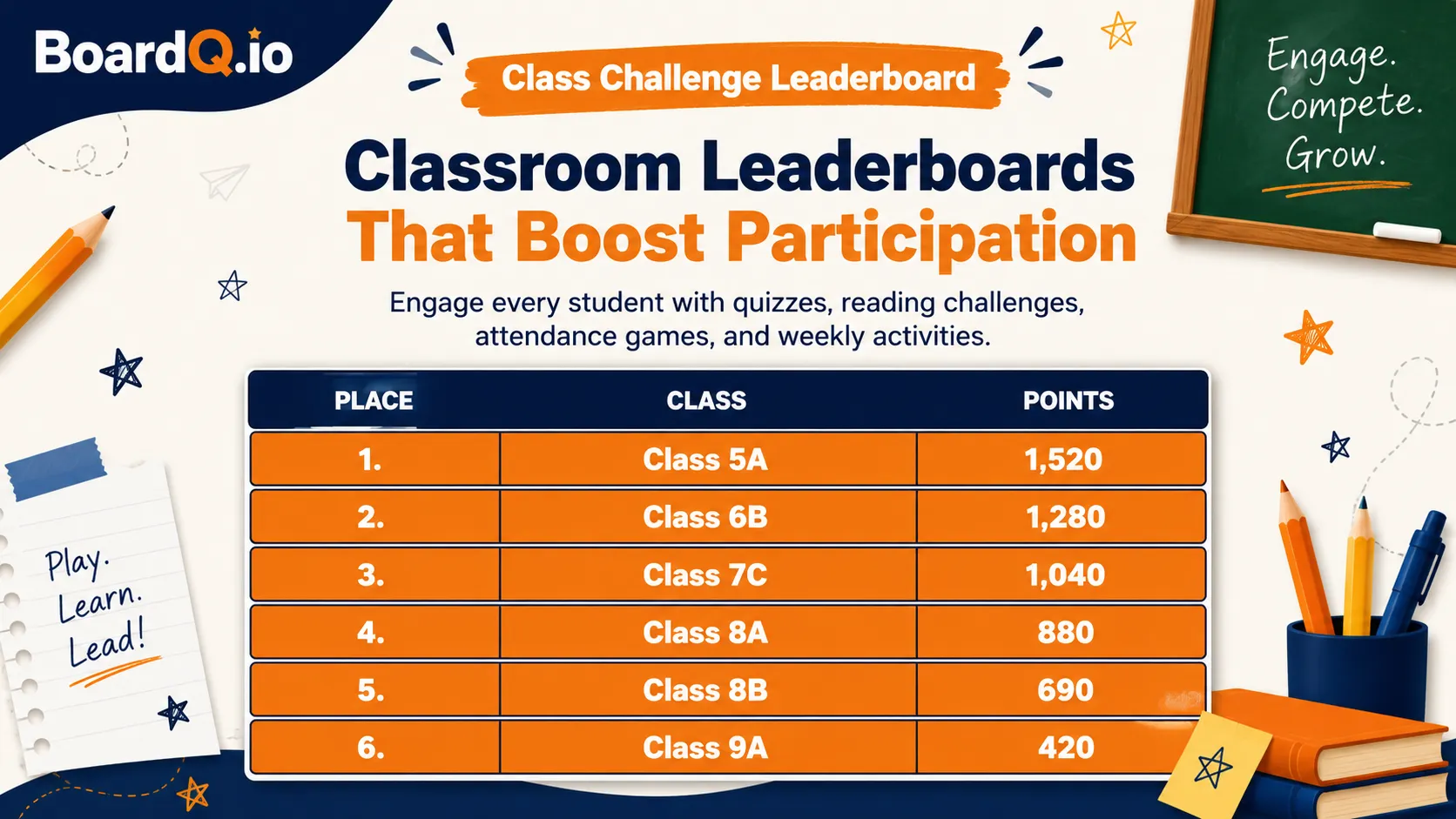
Set up a free leaderboard on BoardQ and run weekly challenges. Reading minutes, math drills, vocabulary quizzes - anything with a score. Display it on your classroom TV and update scores in real-time from your phone.
Why it works: Students check the board constantly. The live updating creates excitement, and the visual progress tracking keeps motivation high between rewards.
2. House/team point systems
Divide your class into 4-6 teams (houses, colors, animals - let them pick). Award points throughout the day for good behavior, helping others, or answering questions. Track points on a shared leaderboard.
Pro tip: Let teams name themselves. Ownership of the team name increases investment in the competition.
3. Achievement unlocks
Create a list of "achievements" students can unlock: "Read 10 Books", "Perfect Score on Quiz", "Helped a Classmate 5 Times". Keep a tracker visible in the classroom. When a student unlocks one, announce it and update their score on the leaderboard.
4. Boss battles (group review sessions)
Frame review sessions as "boss battles". The class works together to answer questions correctly. Each right answer does "damage" to the boss. Track progress on a leaderboard where the "boss" health decreases. If they beat the boss, the class earns a reward.
5. Streak tracking
Track consecutive days of homework completion, on-time arrivals, or reading sessions. Display streaks on a leaderboard. Students become competitive about maintaining their streaks - the longer the streak, the more it hurts to break it.
Tools you need (all free)
- BoardQ - live leaderboards with QR sharing, themes, and real-time updates
- Google Slides - for achievement badge displays
- A classroom TV or projector - to make the leaderboard visible
Start today
Pick one strategy above and try it this week. The simplest starting point: create a free leaderboard on BoardQ, add your students, and run a 5-question quiz. You'll see the engagement difference immediately.
Bring a live leaderboard to your classroom
Motivate students with real-time rankings on the classroom screen. Free, no student accounts, live in minutes.
Create a classroom leaderboard →