Best Digital Leaderboard Tools for Schools
A guide for teachers and admins on choosing a digital leaderboard tool - what matters in the classroom and school-wide.
What schools actually need
School tools have to clear a high bar: easy enough for any teacher, safe for students, and quick to set up between lessons. A leaderboard tool for schools shouldn't need IT tickets or student accounts. Here's what to look for.
Must-have features
- No student logins - students shouldn't need accounts to be on a board
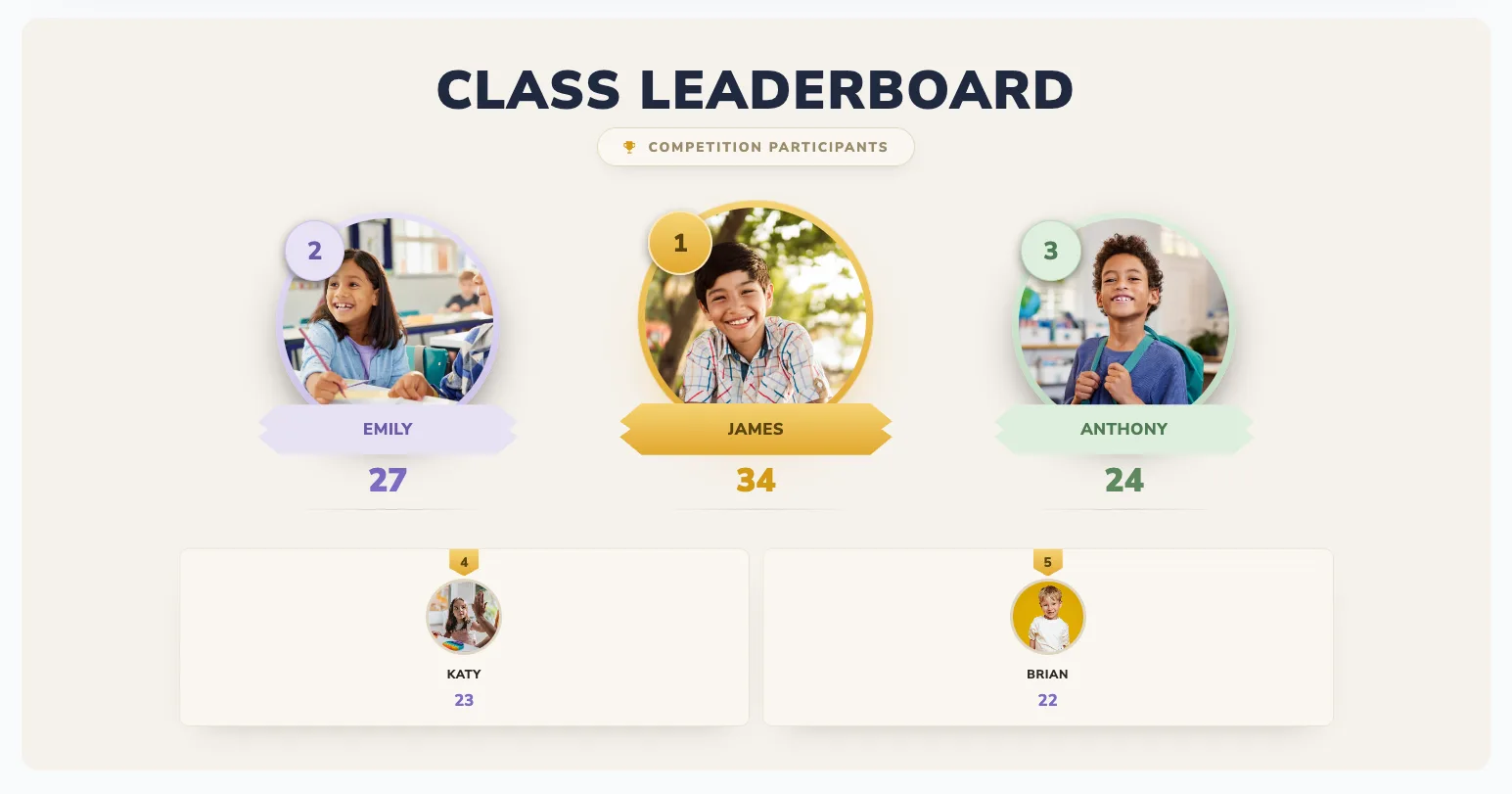
- Classroom-screen display - works on a TV, projector, or interactive whiteboard
- Instant setup - add names and go, mid-lesson if needed
- Phone updates - award points from anywhere in the room
- Teams and houses - for group competition, not just individuals
Fairness matters most in schools
The right tool lets you reward effort and improvement, not just top marks - so no student is permanently stuck at the bottom. Look for easy resets and the ability to run "most improved" alongside the main board. See classroom leaderboard ideas.
Watch out for
- Tools that require student data - adds privacy and consent overhead
- Complex gradebook integrations - overkill for day-to-day engagement
- Anything that publicly shames low performers
Classroom vs school-wide
For a single classroom, a simple live board is perfect. For school-wide house points, pick a tool multiple staff can update and display in the main hall - see the digital house points system. A free tool like BoardQ handles both.
Get started
Set up a classroom or school leaderboard in under a minute - free, no student logins. Create one now →
Bring a live leaderboard to your classroom
Motivate students with real-time rankings on the classroom screen. Free, no student accounts, live in minutes.
Create a classroom leaderboard →