Fun Classroom Challenges With Live Rankings
Turn ordinary lessons into fun challenges with live rankings that students can't stop checking.
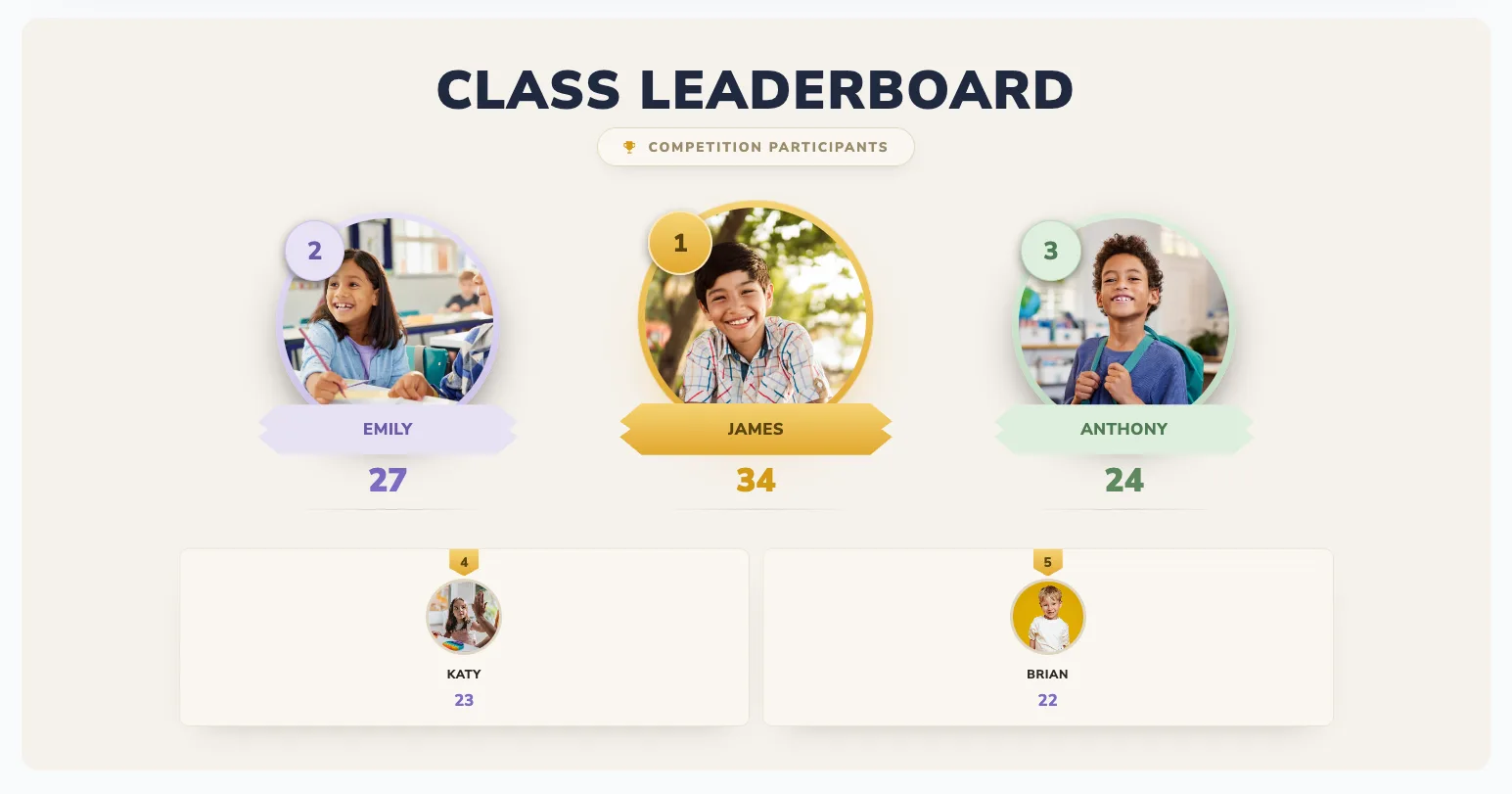
A challenge with a hidden score is just an exercise. The same challenge with a live ranking on the classroom screen becomes a game - students lean in, cheer when the board re-sorts, and push themselves harder than any worksheet could make them.
Here are seven challenges that come alive the moment you add a live leaderboard, plus how to run each one and keep it fair for the whole class.
Why live rankings make challenges fun
Real-time feedback is the secret ingredient. When the score updates instantly and the standings visibly shift, every point feels like it matters. Students get the same hit of progress a game gives them - and quiet effort finally becomes visible, not just the loudest right answer.
The board doesn't create competition out of nowhere - it makes the effort students already put in feel seen.
Challenge 1: Quiz race
Run a rapid-fire quiz and update points after each question or round on a live leaderboard. The standings shifting in real time turn revision into a spectator sport.
Make it better: award a bonus for the fastest correct answer, and reset between rounds so a slow start never locks anyone out.
Challenge 2: Reading sprint
Set a reading goal for the week - minutes or pages - and track it live. Because it rewards effort rather than ability, every student can compete regardless of reading level.
Make it better: run it as teams (table groups or houses) so reluctant readers feel pulled along by the group.
Challenge 3: Math drill ladder
Daily timed drills - times tables, mental math - where students earn points for accuracy and improvement. The "ladder" of rankings motivates daily practice without you nagging.
Make it better: score "personal best beaten" as well as raw accuracy, so improvement is its own way to climb.
Challenge 4: Team spelling bee
Split the class into teams and run a spelling or vocabulary bee, scoring live. Team play keeps everyone involved and takes the pressure off individuals who'd freeze on the spot alone.
Challenge 5: Project checkpoint race
For longer projects, award points at each milestone - outline done, draft done, peer review complete. A live board turns a multi-week project into a series of visible wins instead of one distant deadline.
Challenge 6: Class-vs-class showdown
Run the same challenge in two classes and put both boards side by side. A little inter-class rivalry is a powerful motivator - and a great excuse to display the leaderboard in the hallway.
Challenge 7: Mystery points day
Occasionally award surprise bonus points for behaviours you want to encourage - great questions, helping a classmate, neat work. The unpredictability keeps the board exciting and the whole class on its toes.
Run your first challenge in 2 minutes
- Create a board at boardq.io and add student or team names
- Pick a high-contrast theme that reads from the back of the room
- Cast it to your TV or projector
- Award points from your phone and watch the screen re-sort live
No app installs and no student logins - you control the scores, students just watch the standings move.
Keep it inclusive
- Mix in effort and improvement challenges so it's never just the same students winning.
- Reset regularly - weekly resets give everyone a fresh start.
- Celebrate the biggest climber, not only first place.
- Lean on teams when the room feels tense - it spreads the spotlight.
Frequently asked questions
How often should I reset the rankings?
For most challenges, weekly works best - long enough to build momentum, short enough that a student who starts behind always has a clear shot at catching up.
Do students need devices or accounts?
No. You enter the points and the class watches the screen, or students scan a QR code to follow along. There's nothing to install or log into.
Is it free?
Yes - you can create and run a live classroom leaderboard for free, with no credit card required.
Get started
Set up a free classroom board and run your first challenge today. For more ideas, see classroom leaderboard ideas for student engagement, or create one now →.
Bring a live leaderboard to your classroom
Motivate students with real-time rankings on the classroom screen. Free, no student accounts, live in minutes.
Create a classroom leaderboard →