How to Create a Live Leaderboard for an Event
Everything you need to spin up a live leaderboard for your event - setup, scoring, big-screen display, and phone access for guests.
Why every event needs a live leaderboard
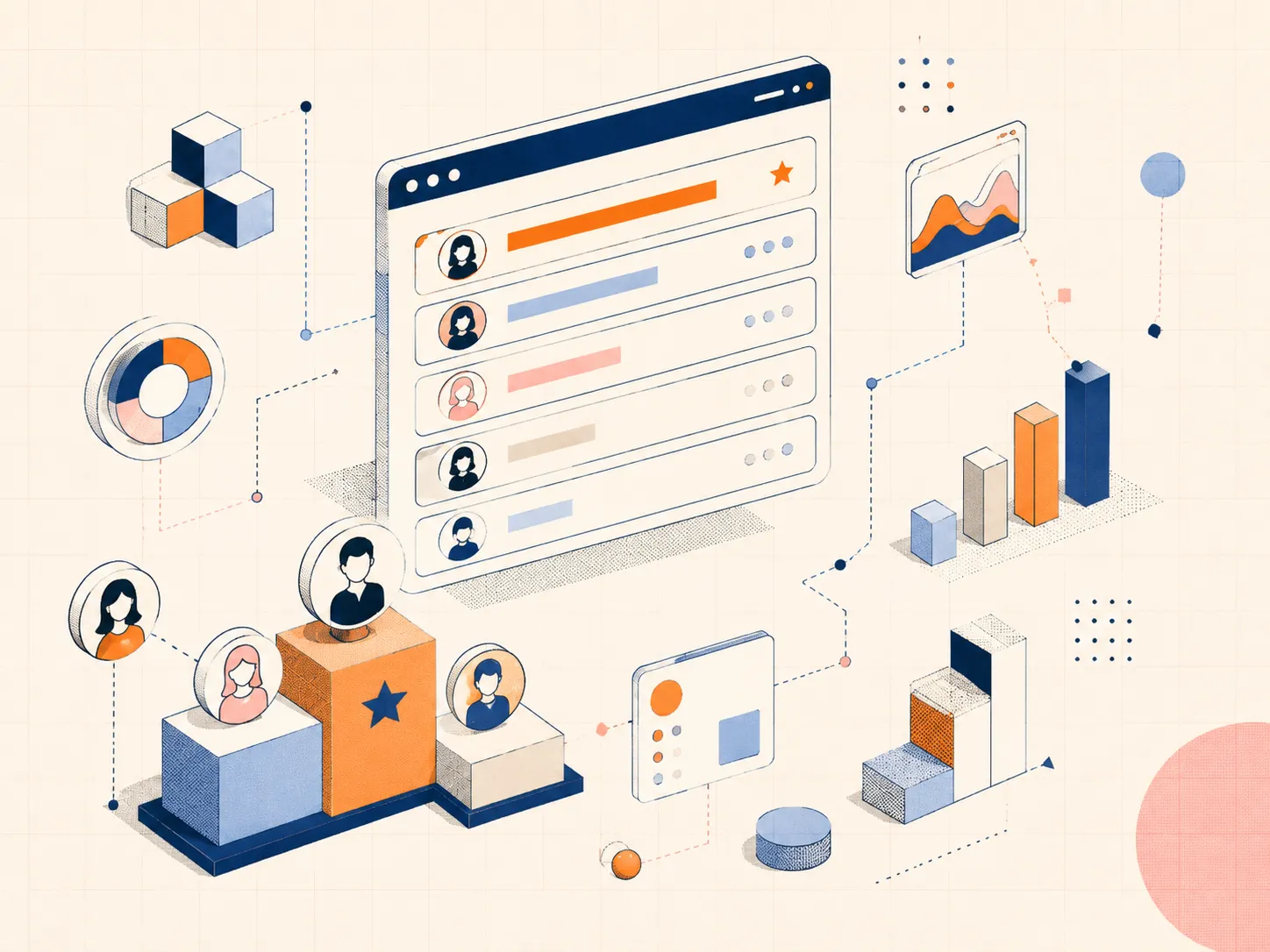
A live leaderboard turns spectators into participants. People check the standings, cheer for upsets, and stay engaged from the first round to the final reveal. Whether it's a tournament, a fundraiser, a conference, or a company away-day, a visible scoreboard is the difference between "an event with scoring" and a genuine competition.
Step 1: Decide what you're scoring
Pick a metric that fits your event and that everyone can follow:
- Cumulative points - for multi-round competitions and quizzes
- Time - for races and speed challenges (lowest wins)
- Judge scores - for talent shows, pitches, and hackathons
- Tally of completed challenges - for scavenger hunts and team activities
Step 2: Create the board
- Open BoardQ and create a new board
- Add participant or team names
- Choose a theme - dark mode looks great on venue screens
- Set your scoring type (points or time)
Setup takes under a minute, and viewers never need an account.
Step 3: Put it on the big screen and share a QR code
Full-screen the board on the venue projector or TV so the whole room can see it. Then display the QR code so attendees can follow the standings on their own phones - perfect for big venues where not everyone has a clear view of the screen. For the screen setup itself, see how to display live scores on a big screen.
Step 4: Update in real time
Update scores from your phone as the event unfolds - every screen and every viewer's phone refreshes instantly. For larger or recurring events, connect your scoring system to the BoardQ API so updates happen automatically.
Step 5: Build suspense
Make the standings a recurring moment: "let's check the leaderboard!" Add a final double-points round so the leading team can still be caught, and save the last update for the live reveal on stage. The real-time re-sort is the highlight of any event.
Get started
Create a live leaderboard for your event in under a minute - free, and ready for any screen. Build yours now →
Power your event with a live leaderboard
Big-screen, real-time rankings for conferences, hackathons and competitions. QR-shareable and API-driven. Free to start.
Create an event leaderboard →