Gamification Ideas for Teachers
Practical, low-prep gamification ideas any teacher can use this week to boost engagement - no budget required.
Every teacher knows the feeling: you've planned a solid lesson, but half the room is somewhere else. Gamification is one of the most reliable ways to pull that attention back - and the best part is you don't need a budget, an app rollout, or a tech department to do it.
Below are practical, low-prep ideas you can start this week with free tools, plus exactly how to set each one up and keep it fair for every student.
Why gamification works in the classroom
Gamification borrows what makes games engaging - clear goals, visible progress, and rewards - and applies it to learning. It works because it makes effort visible and immediate, two things traditional grading rarely offers in real time. Students see their progress, feel a small win, and want the next one.
The goal isn't to turn class into a video game. It's to give quiet effort the same visible payoff that the loudest right answer usually gets.
1. Points and a live leaderboard
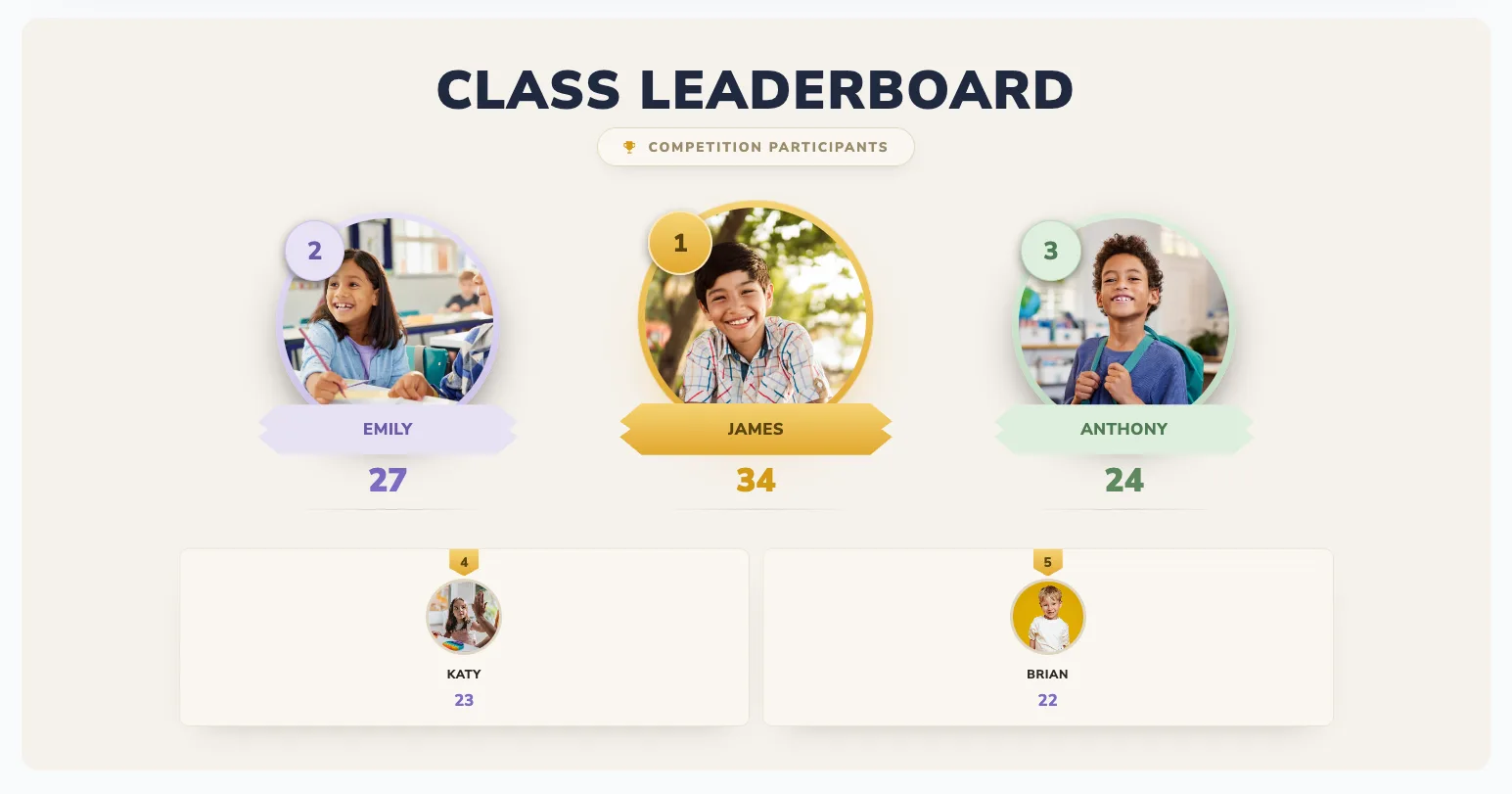
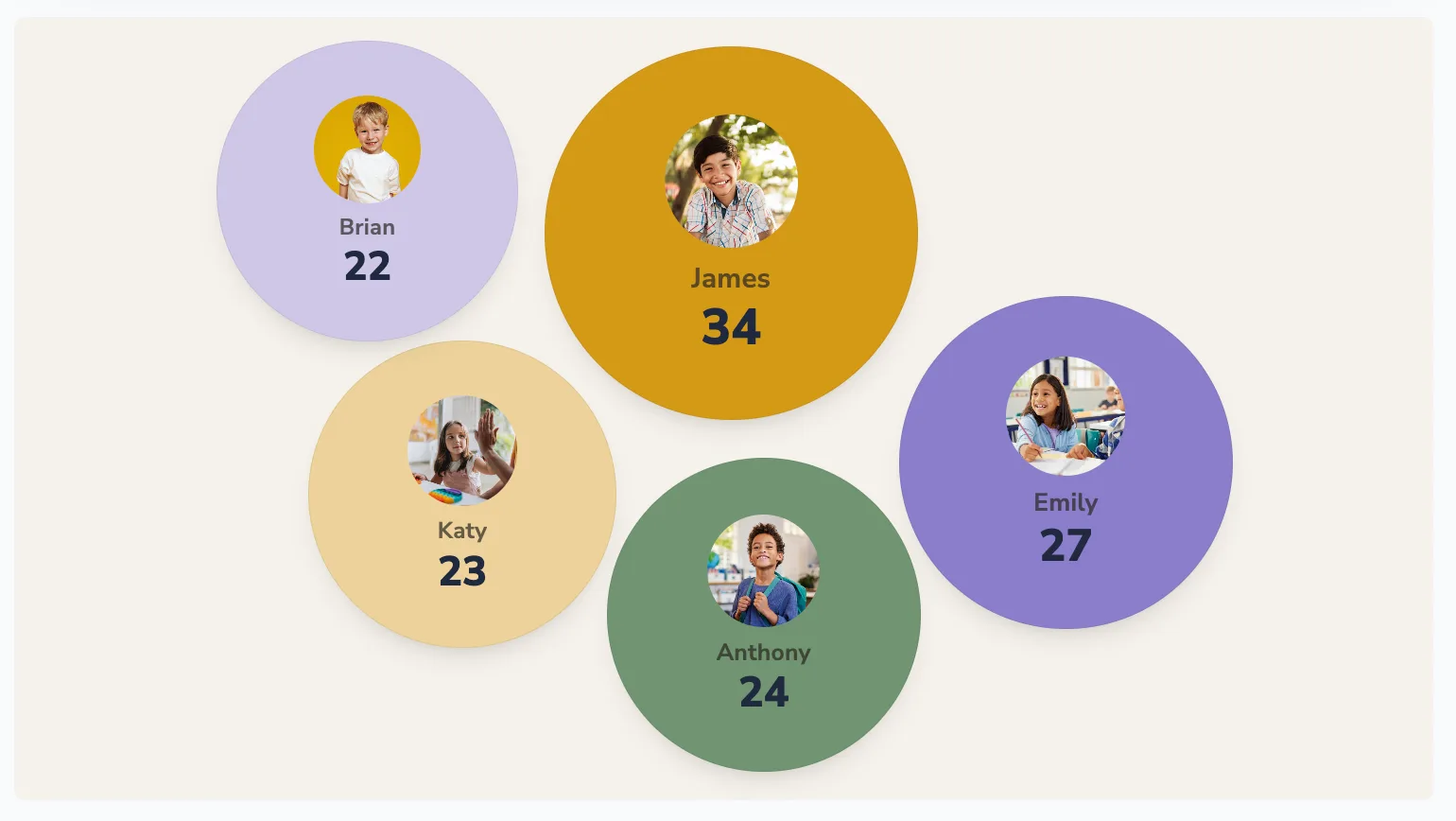
The simplest, highest-impact move: track points for effort, participation, or quiz scores on a live leaderboard on your classroom screen. Students check it constantly, and real-time updates turn an ordinary lesson into something with a little drama.
How to set it up: create a board, add student or team names, and update points from your phone while the big screen refreshes live. Tip: award points for effort and improvement, not just correct answers, so every student has a path to the top.
2. Achievement badges
Create a set of unlockable achievements - "Read 10 Books," "Perfect Quiz," "Helped 5 Classmates." Announce each unlock and add bonus points to the board.
Why it works: badges reward a variety of behaviours, not just top marks - so the student who never tops a test can still be the first to earn "Most Improved" or "Best Teammate."
3. Boss battles
Frame a review session as a "boss battle": the whole class works together to answer questions, and each correct answer does damage to the boss. Track the boss's health on the board. Beat it, and the class earns a shared reward.
Best for: end-of-unit revision, where collaboration beats individual pressure and nobody feels singled out.
4. Streaks
Track consecutive days of homework completion, on-time arrivals, or reading. Streaks are surprisingly motivating - nobody wants to break a long run, and rebuilding one is its own little quest.
Tip: let students earn a "streak freeze," so one missed day doesn't wipe out weeks of effort and kill momentum.
5. Team quests
Set a class-wide goal - a target number of points or completed tasks - with a visible progress bar. Working toward a shared reward (movie afternoon, extra recess, no-homework Friday) builds collaboration and momentum.
6. Levels and XP
Instead of resetting points, let them accumulate as "experience" that unlocks levels: Apprentice, Scholar, Expert. Levelling up feels like real progress and rewards consistency across the whole term, not just one good week.
7. Mystery bonuses
Occasionally drop a surprise "double points" round or a mystery bonus for a specific behaviour you want to encourage. Unpredictable rewards keep trailing students in the race and stop the board from ever feeling settled.
Set up a classroom leaderboard in 2 minutes
- Go to boardq.io and create a new board
- Name it something fun - "Room 12 Champions"
- Add student or team names
- Pick a high-contrast theme that reads from the back of the room
- Cast it to your classroom TV or projector and start awarding points
No app installs, no student logins. You update from your phone and the screen refreshes instantly. For a deeper walkthrough, see how to make a classroom leaderboard.
Keep it fair and positive
- Reward effort, not just ability - so the same three students don't win every time.
- Reset regularly - weekly or monthly resets give everyone a fresh start.
- Celebrate the biggest climber, not only first place.
- Use teams when the room feels tense - it spreads the spotlight and lowers individual pressure.
- Never deduct points publicly for behaviour; it embarrasses students and breeds resentment.
Frequently asked questions
Does gamification work for older students?
Yes. Teenagers respond to levels, streaks and team competition just as much as younger students - the framing matters more than the age. Keep the rewards age-appropriate (privileges and recognition often beat stickers).
Won't a leaderboard discourage struggling students?
Only if it ranks pure ability. Track effort and improvement, reset often, and reward climbers - now progress is visible for everyone, not just the top of the class.
Is it free to start?
Yes. You can create and run a live classroom leaderboard for free, with no credit card required.
Start small
Pick one idea and try it for a week. The easiest starting point is a live leaderboard for a weekly quiz - you'll see the engagement difference immediately. For five more concrete tactics, see 5 ways to gamify your classroom.
Get started
Create a free classroom leaderboard and gamify your next lesson. Start now →
Bring a live leaderboard to your classroom
Motivate students with real-time rankings on the classroom screen. Free, no student accounts, live in minutes.
Create a classroom leaderboard →